

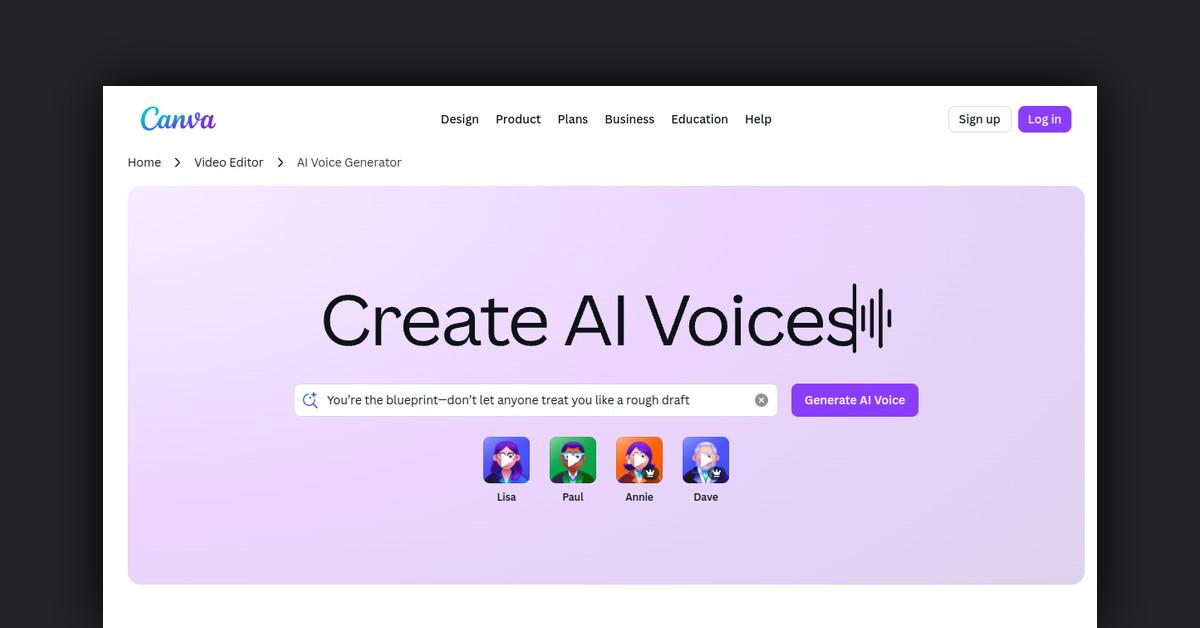
Takeaways
- Canva’s AI Voice Generator converts text into high-quality voiceovers for diverse audio needs.
- Users can choose from a variety of realistic AI voices in multiple languages.
- The tool integrates seamlessly with Canva’s video and design projects.
- Ideal for advertisements, educational content, entertainment, and corporate presentations.
- Supported by tutorials and customer support for maximizing its potential.
Comprehensive Overview of Canva’s AI Voice Generator
Canva’s AI Voice Generator is a cutting-edge tool designed to transform written text into high-quality voiceovers. This feature is part of Canva’s extensive suite of creative tools and is tailored to meet diverse audio needs, from advertisements and promotional videos to podcasts and more. With just a few clicks, users can produce natural-sounding AI voiceovers, making it an invaluable resource for content creators looking to enhance their multimedia projects.
How Canva’s AI Voice Generator Works
The AI Voice Generator functions by converting text input into speech using advanced AI technology. Users begin by selecting a ready-made video template or starting a new design project within Canva’s interface. From there, they can input their desired text and choose from a variety of voice options. The tool then generates a professional-sounding voiceover that can be seamlessly integrated into any Canva video, design, or presentation.
Features, Functionalities, and Benefits
Canva’s AI Voice Generator is packed with features and benefits that enhance its usability and effectiveness:
- Natural-Sounding Voices: Users can select from a range of realistic AI voices, including options in multiple languages, ensuring broad accessibility and engagement.
- Dynamic Narration: The tool allows users to choose diverse voices and accents, tailoring the narration to fit the tone and message of their content.
- Powerful Video Tools: Beyond voice generation, Canva offers animation effects and tools to adjust light and color, helping users create polished and professional videos.
- Studio-Quality Output: The voiceovers are of studio quality, eliminating the need for costly equipment or voice talent.
Use Cases and Potential Applications
The versatility of Canva’s AI Voice Generator makes it suitable for a wide array of applications:
- Advertisements and Promotions: Create compelling voiceovers for marketing campaigns to attract and engage audiences.
- Educational Content: Ideal for e-learning modules and instructional videos, providing clear and concise narration.
- Entertainment: Enhance YouTube videos, podcasts, and audiobooks with professional voiceovers.
- Corporate Presentations: Use the tool to add a professional touch to business presentations, making them more engaging and memorable.
Who Can Benefit from Canva’s AI Voice Generator?
This tool is designed for anyone who creates content and seeks to incorporate high-quality audio into their projects:
- Content Creators and Influencers: Enhance video content with engaging voiceovers.
- Educators and Trainers: Develop educational materials that are easy to follow and understand.
- Marketing Professionals: Craft persuasive audio advertisements without the need for external resources.
- Small Business Owners: Produce professional-grade promotional materials in-house.
Support and Resources
Canva provides various support options to assist users in maximizing the potential of the AI Voice Generator. Users can access tutorials, FAQs, and customer support to troubleshoot issues and learn more about leveraging the tool effectively.
Useful Links and Resources
To explore Canva’s AI Voice Generator and other video editing tools, visit the following links:
These resources offer comprehensive guidance and additional features to enhance your creative projects with Canva.
Last Updated: December 15, 2025