

Takeaways
- Audo Studio uses AI to enhance audio quality by removing background noise and improving speech clarity.
- The tool is browser-based, ensuring compatibility with all major operating systems without additional installations.
- Features include advanced noise removal, auto volume adjustment, and upcoming echo reduction.
- It serves various users, from content creators to educators, offering flexible pricing plans.
- Positive user feedback highlights its effectiveness and ease of use compared to other audio tools.
Overview of Audo Studio: One Click Audio Cleaning
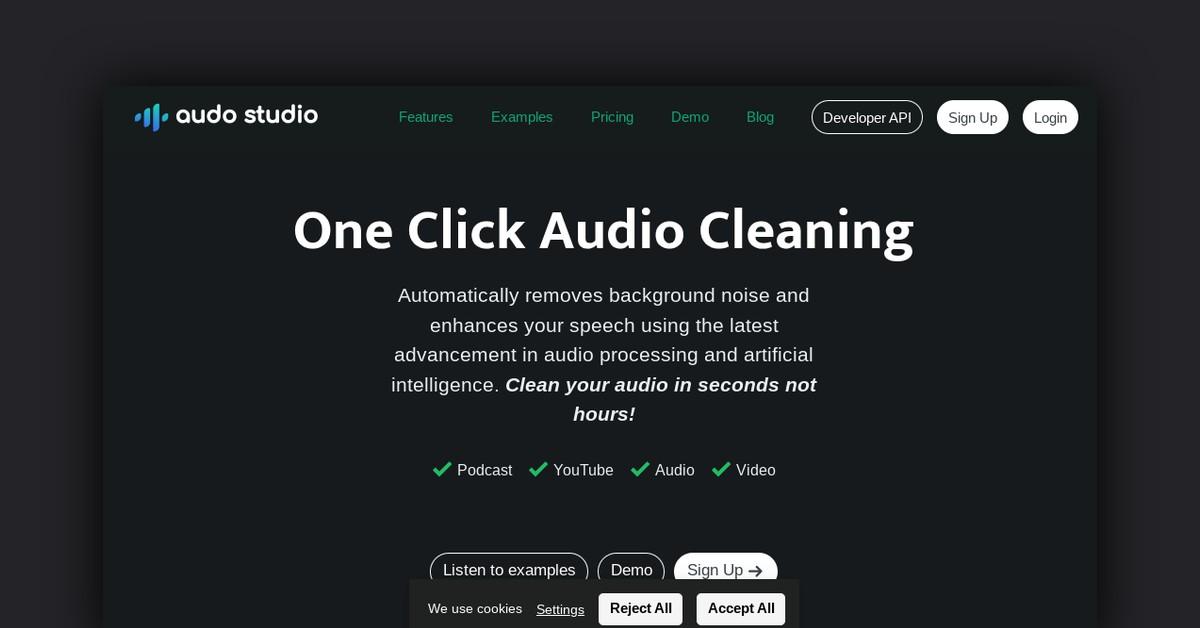
Audo Studio is a cutting-edge audio processing tool designed to simplify and enhance the quality of audio recordings. Utilizing the latest advancements in artificial intelligence, Audo Studio offers users the ability to clean audio files effortlessly. Whether you're dealing with podcasts, YouTube videos, or any other form of audio content, Audo Studio can significantly improve audio quality in mere seconds. This browser-based tool is accessible to users across all major operating systems, including Mac, Windows, and Linux.
How Audo Studio Works
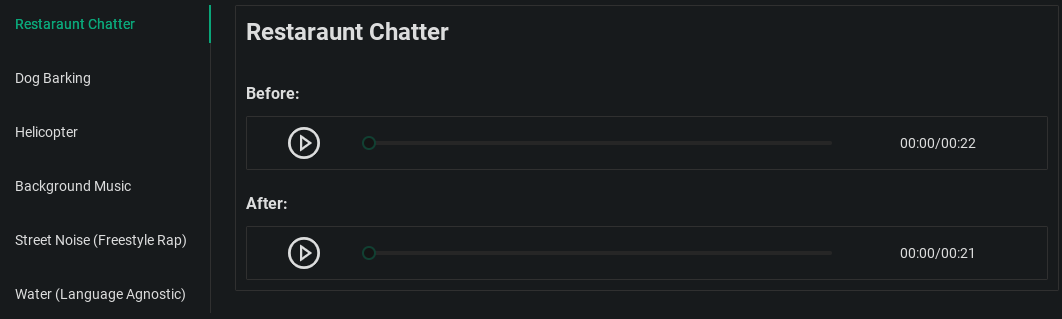
Audo Studio operates on a sophisticated AI-driven algorithm that processes audio files to remove unwanted background noise and enhance speech clarity. By leveraging AI research, the software can automatically detect and eliminate noise, adjust volume levels, and even reduce echoes in recordings. The tool's browser-based nature ensures compatibility with any operating system, making it versatile and easy to use without the need for additional software installations.
Features, Functionalities, and Benefits
Audo Studio is packed with features that cater to both casual users and professional content creators. Its functionalities are designed to address common audio issues and deliver high-quality results with minimal effort.
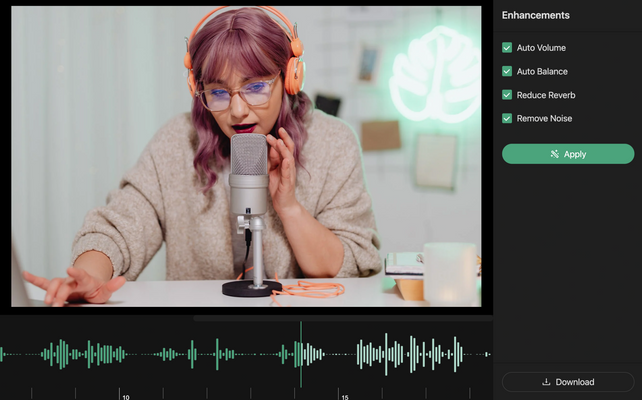
- Advanced Noise Removal: Automatically eliminates background noise, ensuring a clean audio output without the need for a soundproof environment.
- Echo Reduction: (Coming soon) This feature will automatically minimize echoes or reverb, saving users from investing in expensive acoustic treatments.
- Auto Volume Adjustment: Automatically normalizes audio levels for consistent sound quality, enhancing the listening experience.
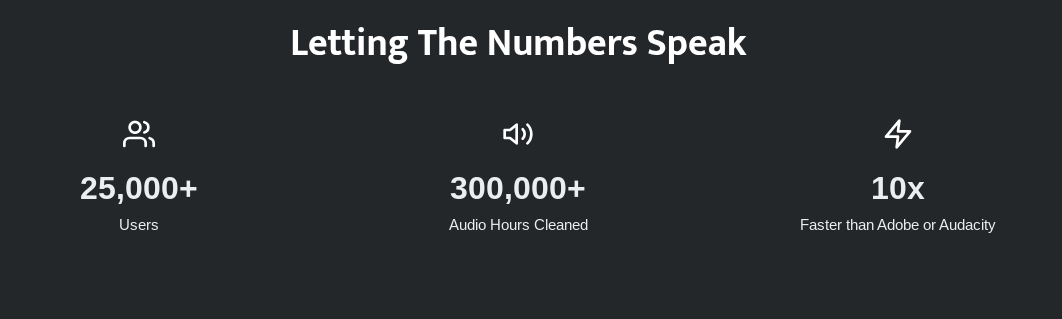
- Fast and Easy: Audo Studio promises quick processing times, significantly faster than traditional software options like Adobe Audition or Audacity.
- Quality Output: Delivers high-quality audio enhancements that are ten times faster than competing software.
Use Cases and Potential Applications
Audo Studio serves a wide range of audio processing needs across various industries and content types. Here are some specific use cases:
- Podcasts: Podcasters can utilize Audo Studio to produce clear and professional-sounding episodes by removing background noise and balancing audio levels.
- YouTube Videos: Content creators on platforms like YouTube can enhance their audio tracks, ensuring their videos meet high-quality standards and engage viewers effectively.
- Video Production: For filmmakers and video editors, Audo Studio offers a quick solution to clean up audio tracks, saving time in post-production.
- Online Courses: Educators can use Audo Studio to ensure their instructional videos and materials have clear, distraction-free audio, enhancing the learning experience for students.
Who Can Benefit from Audo Studio?
Audo Studio is designed for a diverse audience, including:
- Content Creators: YouTubers, podcasters, and videographers who require top-notch audio quality in their projects.
- Educators: Teachers and trainers using video content to deliver lessons or courses online.
- Corporate Professionals: Businesses creating presentations, webinars, or virtual meetings that demand clear audio communication.
- Casual Users: Anyone looking to improve their personal audio recordings for better clarity and quality.
Plans and Pricing
Audo Studio offers flexible pricing plans to accommodate various user needs:
- Starter Plan: Free of charge, offering basic features like noise removal, dereverberation (coming soon), and auto volume adjustment for up to 20 minutes of audio enhancement per month.
- Creator Plan: Priced at $12 per month (discounted from $20), this plan includes all available features and 600 minutes of audio enhancements per month. Users can cancel anytime as the charge is monthly.
- Pay As You Go: A one-time payment of $20 provides 600 additional minutes of audio enhancements, with a 50% discount available for Creator Plan users.
Customer Reviews and Testimonials
Audo Studio has received positive feedback from users who appreciate its effectiveness in noise reduction and audio enhancement. Testimonials highlight its superior performance compared to other AI-based audio tools, with users expressing satisfaction over its ease of use and quality results.
- "Audo Studio noise reduction eliminates very well the background noise, the music from the neighbors, the barking of the dogs, and the squawking of my parrot that does not let me record." - Mario, Online Course Creator
- "Audo Studio is, in my experience, better than Adobe's new AI! Very impressed so far!" - Banking Stud, Happy User
- "Good sound can significantly impact how viewers experience your video. Audiences are typically more forgiving of camera and lighting mistakes than they are of poor sound quality and recording." - YouTube Creator Academy
Frequently Asked Questions
How does it work?
Audo Studio uses advanced artificial intelligence algorithms to process audio, automatically removing noise and enhancing quality.
Will it work on Mac, Windows, or Linux?
Yes, Audo Studio is browser-based, ensuring compatibility with all major operating systems.
Is cereal soup?
Only a cereal killer would think that! 🤣
Useful Links and Resources
For more information and to start using Audo Studio, explore the following resources:
Audo Studio is a game-changer for anyone looking to enhance their audio quality effortlessly. With its intuitive features and competitive pricing, it's an excellent choice for creators and professionals alike.
Last Updated: July 25, 2025