

Takeaways
- VoiceScript provides advanced digital court reporting solutions through its platforms, Reporter Studio PRO and AutoScript.
- Reporter Studio PRO and AutoScript use AI-powered speech recognition to facilitate efficient and accurate legal transcriptions.
- The platforms offer features like multi-channel recording, video conferencing, real-time editing, and a custom legal dictionary for enhanced accuracy.
- VoiceScript is ideal for court reporting agencies, independent digital reporters, scopists, and transcriptionists.
- Flexible pricing models and free trials are available for both platforms to accommodate different user needs.
Overview of VoiceScript
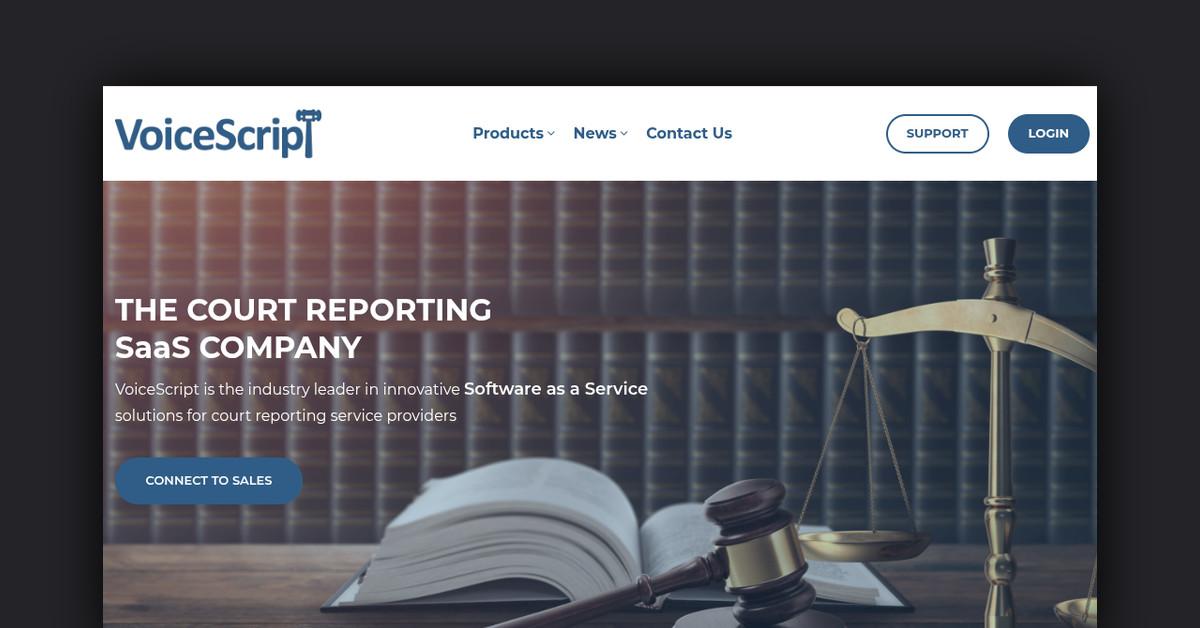
VoiceScript is a leading Software as a Service (SaaS) provider in the legal technology space, specializing in advanced digital court reporting solutions. Their innovative platforms, Reporter Studio PRO and AutoScript, leverage cutting-edge speech recognition technology to streamline the process of legal transcription. By offering automated transcript production and real-time editing capabilities, VoiceScript aims to modernize the court reporting industry and provide a credible alternative to traditional stenographic methods.
How VoiceScript Works
VoiceScript operates through its two main products, Reporter Studio PRO and AutoScript, each designed to cater to different aspects of the court reporting process. These platforms utilize AI-powered speech recognition to facilitate the transcription of legal proceedings efficiently and accurately.
- Reporter Studio PRO: This platform is geared towards digital reporters and offers a multi-channel recording system, allowing for the capture of audio and video during legal proceedings. It features automated speech recognition for rough drafts and provides real-time editing capabilities to ensure accuracy.
- AutoScript: Designed for a broader audience, including scopists and transcriptionists, AutoScript is a self-service platform that automates the speech-to-text process. It supports a wide range of audio and video file formats, making it versatile for various legal settings.
Features, Functionalities, and Benefits
VoiceScript offers a comprehensive suite of features that enhance productivity and accuracy in legal transcription.
Key Features of Reporter Studio PRO
- Multi-Channel Recording: Supports up to 12 separate audio channels for detailed recording.
- Video Conferencing: Optimized for remote video conferencing to accommodate modern legal environments.
- Real-Time Transcripts: Provides automated transcripts that are editable in real-time.
- Customization: Includes customizable hotkey functionality and annotation features for streamlined workflow.
Key Features of AutoScript
- Speech-to-Text Transcription: Converts speech files to text quickly, supporting a variety of formats.
- Editing Tools: Comes with a desktop editor for post-processing and formatting.
- Flexible Usage: Operates on a pay-per-use model, reducing upfront costs.
- High Accuracy: Built with a custom legal dictionary to enhance transcription accuracy.
Use Cases and Potential Applications
VoiceScript’s platforms are versatile and can be applied in various legal contexts to enhance the efficiency and accuracy of legal transcription.
- Depositions and Hearings: Both products can be used to transcribe legal proceedings remotely or in-person, ensuring accurate records are kept.
- Trials and Examinations Under Oath: The AI-driven transcription capabilities support the fast-paced nature of trials and examinations, providing timely and accurate transcripts.
- Agency Services: VoiceScript also provides outsourced services to court reporting agencies, including scheduling digital reporters and producing transcripts.
Who is VoiceScript For?
VoiceScript caters to a broad audience within the legal industry:
- Court Reporting Agencies: Agencies looking to modernize their services with digital reporting solutions find VoiceScript invaluable.
- Independent Digital Reporters: Freelance reporters benefit from the user-friendly interface and real-time capabilities.
- Scopists and Transcriptionists: These professionals can use AutoScript for efficient and accurate transcript production.
Plans and Pricing
VoiceScript offers flexible pricing models to accommodate different needs:
- Reporter Studio PRO: Available for $75/month per license with a 14-day free trial. Agency and Enterprise pricing options offer custom solutions for larger teams.
- AutoScript: Priced at $15 per audio hour on a pay-per-use basis, with the first three transcripts free for trial users.
Is There a Free Trial?
Yes, VoiceScript offers a free 14-day trial for Reporter Studio PRO and $75 in free credits for new AutoScript users. This allows potential customers to explore the features and benefits of the platform before committing to a subscription.
Customer Support and Resources
VoiceScript provides comprehensive support to its users, ensuring seamless operation and problem resolution:
- Technical Support: Available through the VoiceScript support page, offering video tutorials and a user guide.
- Product Updates: Included in the monthly subscription, ensuring users always have access to the latest features.
Useful Links and Resources
- VoiceScript Official Website
- Reporter Studio PRO
- AutoScript
- VoiceScript Support Page
- Contact VoiceScript
- VoiceScript FAQ
These resources provide additional information and support for users looking to maximize their experience with VoiceScript.
Last Updated: