
Keep talking. Saga’s got it.
Deepgram Saga turns what you say into transcriptions, meeting notes, and morning briefs. You just talk. Saga dictates.

From dictation to your daily brief
Speak, don't type
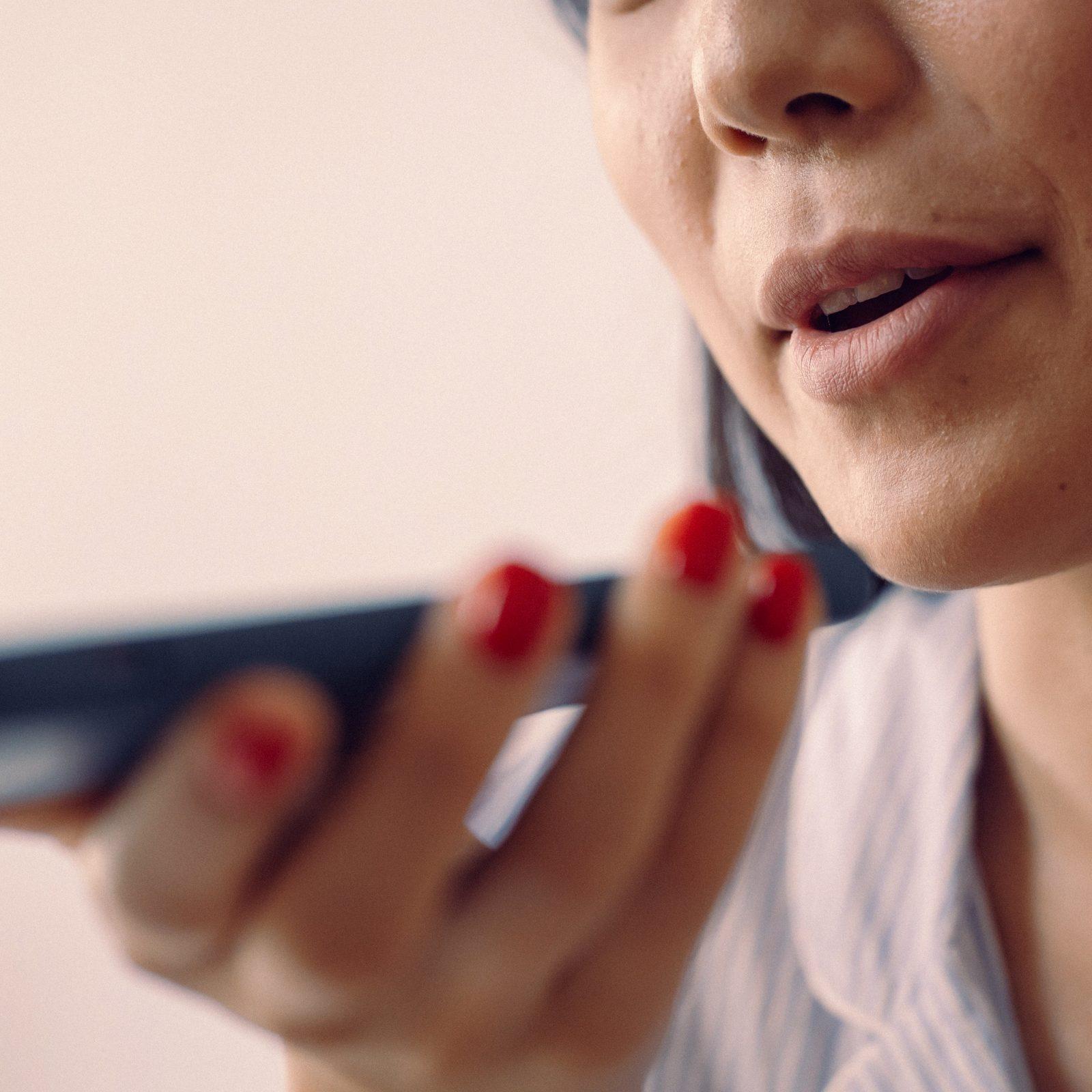
Press one shortcut and talk. Clean, punctuated text lands in whatever you had open.
Talk, don't click
Email, Slack, Google Docs, a code editor, a browser form. If you type there, you can talk there.
Say the fix
Spot a mistake mid-sentence and speak it out loud. No reaching for the keyboard.
No bot to invite
Saga records from your device, so nothing joins your call and nothing shows up in the invite.
No falling behind
Join late and ask what you missed. Saga answers from the live transcript.
Ask the transcript
Find out what was decided or who owns what, during the meeting or long after it ends.
Your day, summarized
One morning brief each day covers your calendar, inbox, and messages, including everything that changed overnight.
Your priorities, filtered
Instead of a long digest, get a short list of the few things that are P0 for today.
Read it or hear it
Skim the brief between meetings, or have Saga read it to you on the way in.

Your brain has better things to do
Triaging email before breakfast, taking notes in back-to-back calls, chasing what you missed. Deepgram Saga does it for you.
- 150 WPMspeaking versus 40 typing
- 57%Of meetings happen with no calendar invite
- 40%Of people online at 6 am are triaging email for the day's priorities
The more you use Saga, the more it gets you
The longer you use it, the less editing you’ll have to do.
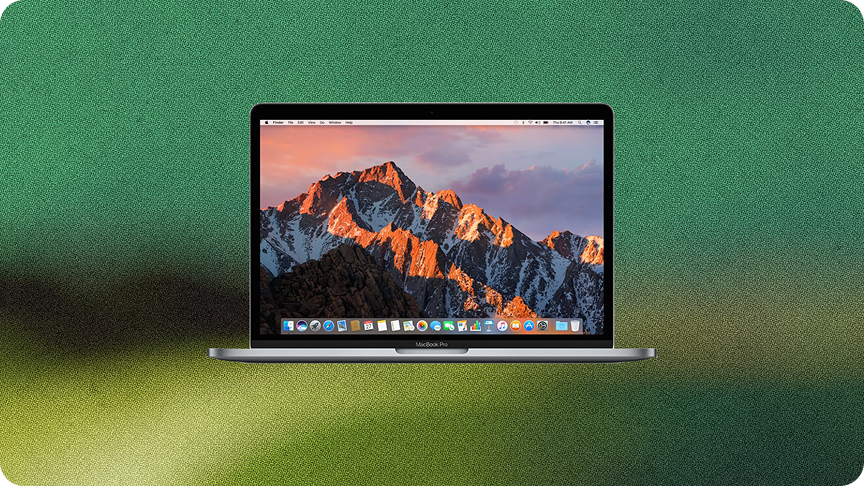
Download for Mac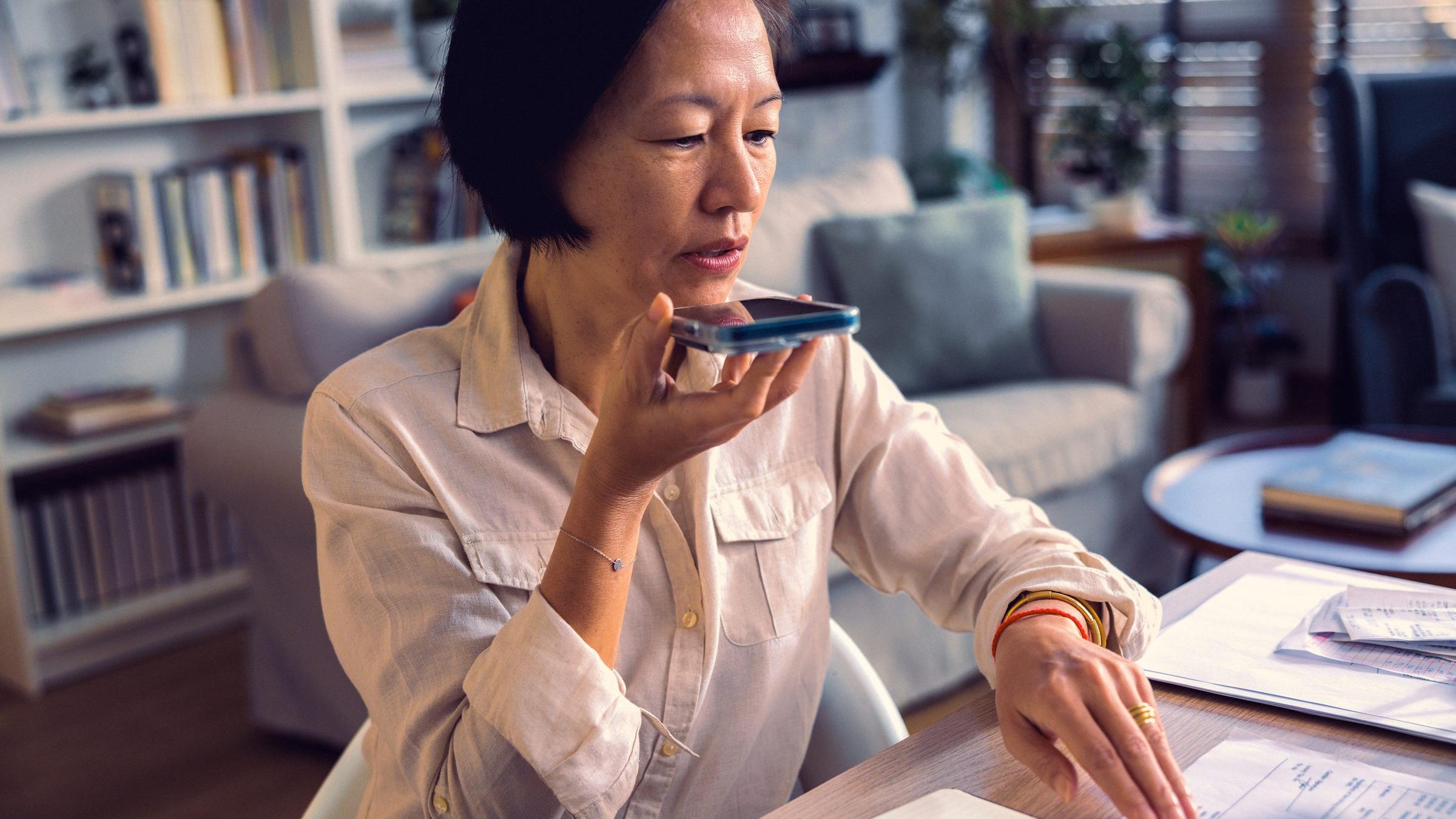
Not a generic recap
Summaries that get you
Saga draws on what you've said before, so summaries call out what matters to you instead of recapping everything.

Slack is not email
Writes like you
Saga learns how you write in different contexts and applies the right voice automatically, so a Slack won't read like a memo.

Names and jargon
Gets your words right
Add client names, product names, and internal shorthand once, and Saga spells them right every time after.
One shared history
Mac and mobile
Dictate on your phone between meetings and find it on your Mac, in the same searchable history.
FAQs
Saga is a Mac app that captures what you say and what you hear. Press a shortcut to dictate into any app, record meetings without adding a bot to the call, and get a brief each morning covering what changed and what needs a reply.
Saga is free during early access, and no credit card is required. Download it and start talking.
Deepgram Saga is available on Mac and iOS today, with Windows not yet on the roadmap. If Windows support matters to you, send that through the feedback link on the Saga page. Early access is when that signal counts most.
Any text field on your Mac: email, Slack, Google Docs, a code editor, your notes app, a browser form, or the chat window of an AI assistant. If you can type into it, you can talk into it.
Yes. Add them to your personal dictionary and Deepgram Saga learns your vocabulary, so client names, product names, and internal jargon come out spelled right. Saga also runs on Deepgram speech-to-text, built for real-world audio rather than quiet studio conditions.
Built-in dictation transcribes what you said. Deepgram Saga edits it: stripping filler words, fixing grammar, and applying formatting. The text is ready to send rather than ready to clean up. You can also correct it by speaking, without touching the keyboard.
Yes. Saga records from your Mac rather than joining as a participant, so nothing appears in the invite or the participant list.
All of them. Deepgram Saga records audio on your Mac rather than joining the call, so Zoom, Google Meet, Microsoft Teams, a browser-based call, or a phone call on speaker all work the same way. There's nothing to connect per platform.
It can. Deepgram Saga can auto-record your scheduled meetings if you connect your Google Calendar. If it detects a meeting already in progress, it will ask whether to start recording. You can also start and stop it yourself with a shortcut.
From the accounts you connect—your calendar, your email, and your messages. Deepgram Saga reads what arrived overnight and what's on your schedule, then summarizes only the parts that involve you.