

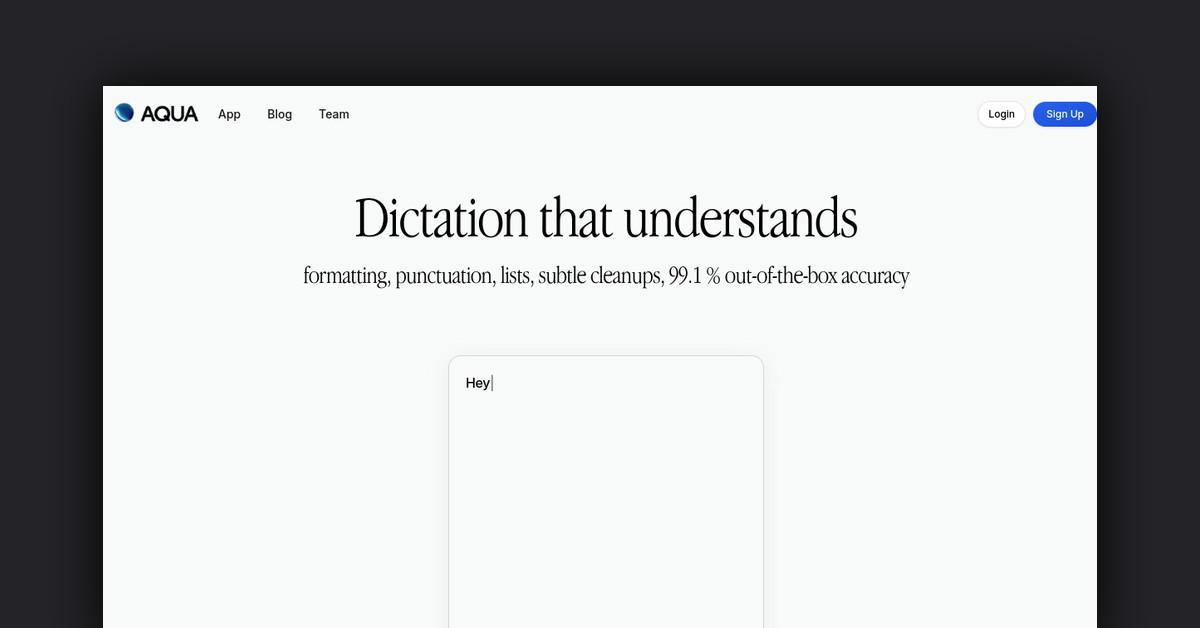
Revolutionizing Document Editing with Aqua Voice
The era of digital innovation continues to evolve, bringing forward tools that not only enhance efficiency but also transform the way we interact with technology. One such groundbreaking development is Aqua Voice, a voice-only document editor designed to redefine the traditional methods of creating and editing documents. This article delves into the features, functionalities, benefits, and potential applications of Aqua Voice, providing a comprehensive understanding of this cutting-edge technology.
Overview
Aqua Voice emerges as a pioneering solution in the realm of document editing. It's not just an ordinary text editor; it's a voice-native platform that allows users to dictate, edit, and transform their documents using natural language. Powered by innovative AI technology, Aqua Voice enables users to perform a variety of editing tasks, such as rephrasing, shortening, or cleaning up text, all through voice commands. It's designed to save time, enhance productivity, and maintain the original tone of the document while ensuring a professional finish.
How Does It Work?
Aqua Voice operates on a simple yet powerful premise: using your voice to drive the entire editing process. Here's how it seamlessly integrates into your workflow:
- Voice-driven Editing: Speak into the system, and Aqua Voice captures your words, transforming them into text within your document.
- Interactive Commands: Need to make changes? Tell Aqua to rephrase sentences, correct dates, or insert quotations, all through voice commands.
- AI-powered Assistance: Aqua Voice's AI can intuitively fill in missing information, such as names, facts, or numbers, ensuring your document is complete and accurate.
Features, Functionalities, and Benefits
Aqua Voice is packed with features designed to streamline the document editing process:
- .05 Word Error Rate: Demonstrates a high accuracy rate, making real-time voice recognition more reliable than many existing solutions.
- Fluid Rewrites: Aqua Voice can rephrase and refine your content without losing the essence of your original message.
- Fill in the Blank: An innovative feature where Aqua Voice can automatically fill in missing details in your documents.
- Filler Phrase Removal: This tool cleans up your writing by removing unnecessary fillers, resulting in polished and professional content.
The benefits of using Aqua Voice include significant time savings, increased productivity, and the convenience of hands-free document editing.
Use Cases and Potential Applications
Aqua Voice's versatile nature makes it suitable for a wide range of applications:
- Content Creation: Bloggers and writers can dictate articles, stories, or any written content, streamlining the drafting process.
- Academic Writing: Students and researchers can efficiently compile notes, essays, and reports through voice commands.
- Professional Documentation: Business professionals can create reports, emails, and presentations, enhancing productivity and efficiency.
Who Is It for?
Aqua Voice caters to a diverse audience, including:
- Writers and Bloggers: For those who prefer speaking their thoughts instead of typing.
- Students and Academics: Ideal for anyone involved in research or studies requiring extensive documentation.
- Business Professionals: From crafting emails to preparing reports, Aqua Voice can serve various professional needs.
Frequently Asked Questions
-
How accurate is Aqua Voice?
-
Aqua Voice boasts a .05 Word Error Rate, making it highly accurate for real-time voice recognition.
-
Can Aqua Voice work for professional documents?
-
Yes, its features like filler phrase removal and fluid rewrites ensure that your professional documents maintain a polished and refined tone.
Last Updated: