

Takeaways
- Balabolka transforms text into speech, supporting numerous file formats for versatility.
- The software offers customizable voice options, including pitch and speed adjustments.
- It enhances text comprehension with features like spell checking and text highlighting.
- Users can export audio files in formats like MP3 or WAV for easy playback.
- Balabolka aids education, content creation, and accessibility for diverse user needs.
Overview
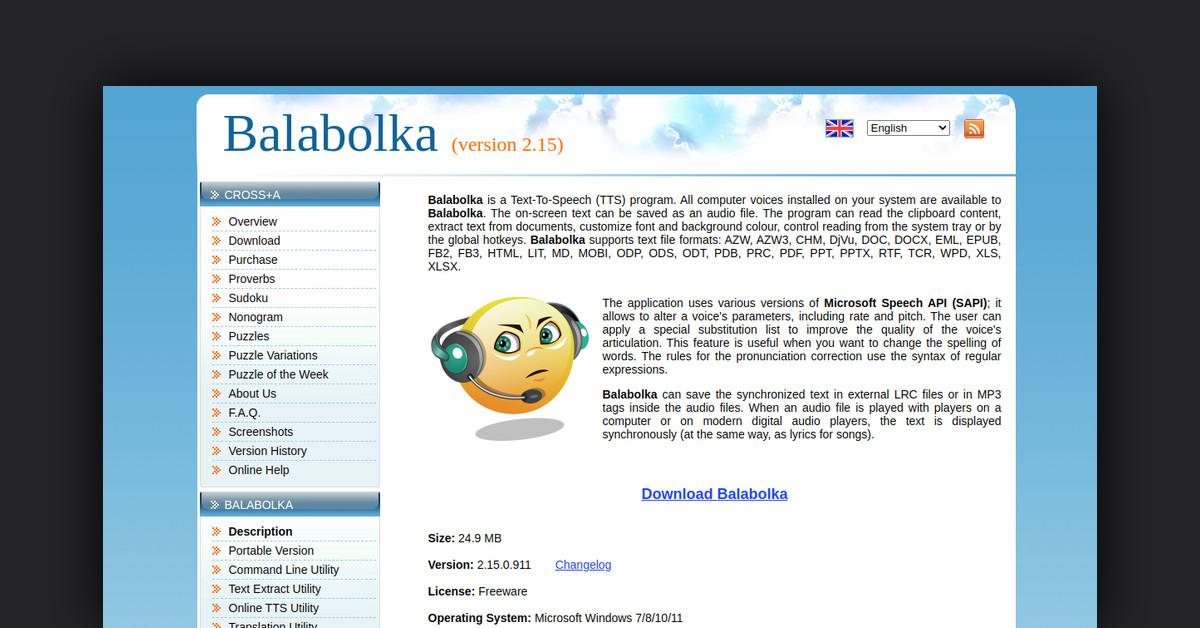
Balabolka is a versatile text-to-speech (TTS) software that transforms written text into spoken words. This powerful tool supports various file formats, making it accessible for users seeking to convert text into audio. Its adaptability and user-friendly interface make Balabolka a popular choice for individuals and businesses alike.
How Does It Work?
Balabolka operates by utilizing speech synthesis technology to convert text into audio. Users can input text directly or upload files in multiple formats, allowing the software to read the text aloud in a natural-sounding voice. The software supports numerous languages and voice options, offering customization to meet diverse needs.
Features, Functionalities, and Benefits
Balabolka is equipped with a range of features that enhance its usability and appeal. Its functionality extends beyond basic text-to-speech conversion, providing users with a comprehensive tool for auditory text consumption.
- Multiple File Format Support: Balabolka can read and convert text from various file types including DOCX, EPUB, HTML, and more.
- Customization Options: Users can adjust voice parameters such as pitch and speed, ensuring a personalized listening experience.
- Spell Checking and Text Highlighting: The software highlights text as it reads, aiding in comprehension and focus, and includes a spell-check feature for error correction.
- Audio File Export: Users can save the spoken text as audio files in formats like MP3 or WAV, allowing for easy storage and playback.
Use Cases and Potential Applications
Balabolka's capabilities make it suitable for a wide range of applications, benefiting different user groups through its adaptable features.
- Education: Ideal for students and educators, Balabolka can assist in reading assignments, language learning, and providing accessibility for those with reading difficulties.
- Content Creation: Writers and content creators can utilize the software to proofread their work audibly, ensuring clarity and fluency in their writing.
- Accessibility: Individuals with visual impairments or reading disorders can benefit from Balabolka's ability to convert text into speech, making written content accessible to them.
Who Is It For?
Balabolka serves a diverse audience, each benefiting from its unique features and functionalities.
- Students and Educators: Useful for enhancing comprehension and language skills through auditory learning.
- Content Creators and Writers: Offers a tool for auditory proofreading and content analysis.
- Individuals with Accessibility Needs: Supports users with visual impairments or reading challenges by converting text to audio.
Is It Free? Is There a Free Trial?
Balabolka provides a free-to-use version, ensuring broad access to its text-to-speech capabilities. Users can explore its features without an initial financial commitment.
Type of Support Available
Balabolka offers support through online resources and documentation, helping users navigate the software and maximize its potential. The official website often provides updates and troubleshooting guides.
List of Useful or Important Links and Resources
Balabolka stands out as a comprehensive text-to-speech solution suitable for a wide audience, offering customization, accessibility, and a user-friendly experience. Whether for educational purposes, content creation, or improving accessibility, Balabolka provides a robust platform for auditory text conversion.
Last Updated: