

Takeaways
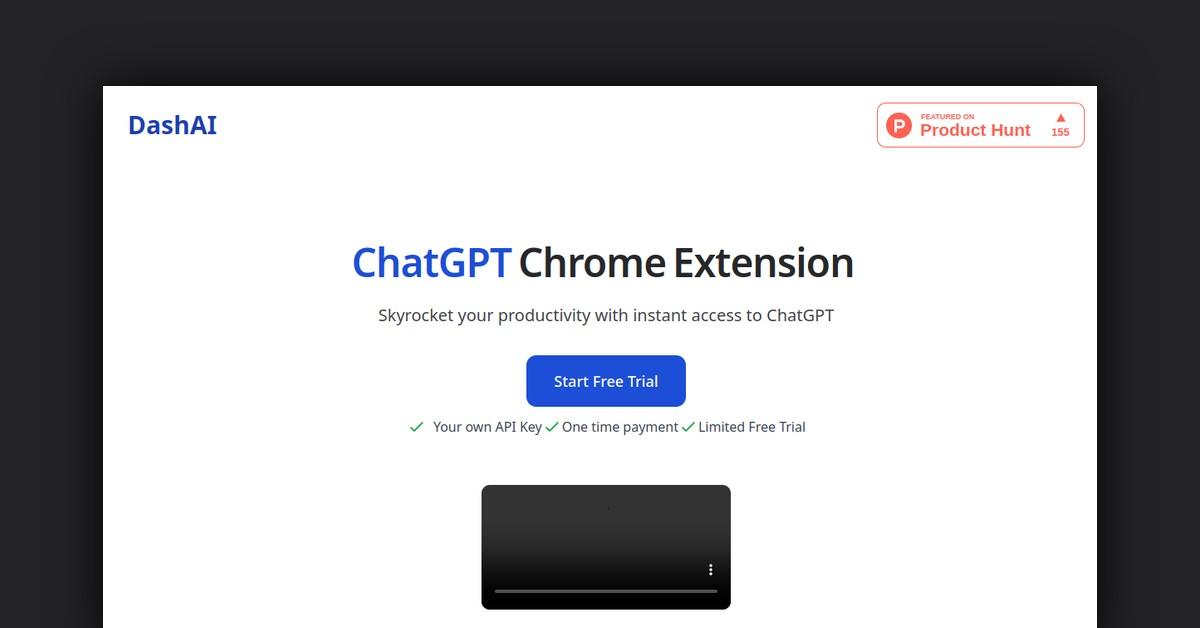
- DashAI is a Chrome extension that integrates ChatGPT into your web browsing experience for enhanced productivity.
- Users can access ChatGPT with keyboard shortcuts, allowing for tasks like summarizing content and executing AI commands.
- Features include audio transcription, AI text expansion, chat history, and a prompt library with over 100 prompts.
- DashAI supports content creation, research, multilingual communication, and more, benefiting a wide range of users.
- Pricing options include a free trial, a one-time payment for unlimited access, and the purchase of the source code.
Overview of DashAI
DashAI is a powerful Chrome extension designed to provide users with instant access to ChatGPT across every webpage. This innovative tool is aimed at enhancing productivity and efficiency by embedding the capabilities of ChatGPT directly into your browsing experience. With DashAI, you can interact with ChatGPT without the need to switch contexts, making it a seamless addition to your web browsing routine.
How Does DashAI Work?
DashAI operates as a Chrome extension, allowing users to leverage the power of ChatGPT on any webpage. By integrating directly into your browser, DashAI removes the need for additional applications or software. Users can engage with ChatGPT by simply using keyboard shortcuts, creating an intuitive and streamlined experience.
- Side Chat: Access ChatGPT on any webpage using the shortcut ⌘ + k, which opens a side chat window.
- Summaries: Use the shortcut ⌘ + B to summarize the content of any webpage, providing quick insights and key takeaways.
- AI Quick Actions: Highlight text and execute commands such as summarize or translate, or create your own commands.
Features, Functionalities, and Benefits of DashAI
DashAI comes packed with a variety of features that cater to different user needs, ensuring a comprehensive experience. It is designed to be both easy to use and highly functional, offering numerous benefits to users who integrate it into their daily workflow.
- Audio Transcriptions: Record and transcribe audio from any webpage directly into text. This feature is particularly useful for drafting emails or social media posts using voice commands.
- AI Text Expander: Experimentally, you can generate AI-generated content in text fields by starting with ‘dash:’ followed by a command.
- Chat History: All interactions are saved within the extension, allowing you to search with keywords and continue conversations seamlessly.
- Prompt Library: Access a large library of over 100 prompts to engage with ChatGPT creatively and effectively.
- Shortcuts and Configurations: Customize shortcuts to open the extension or summarize webpages, and choose to disable the extension on selected webpages.
Use Cases and Potential Applications for DashAI
DashAI can be utilized across a multitude of applications, making it a versatile tool for various professional and personal scenarios. Here are some of the potential use cases:
- Content Creation: Streamline the creation of blog posts, articles, and social media content by using AI-generated suggestions and text expansions.
- Research and Learning: Summarize lengthy articles or research papers to quickly grasp essential points and information.
- Multilingual Support: Use the translation features to break language barriers while navigating international websites or communicating across languages.
- Communication: Enhance email and messaging productivity by transcribing audio messages and using quick actions to draft responses.
Who is DashAI For?
DashAI is suited for a wide range of users, from professionals to students, and anyone in between who seeks to improve their productivity and efficiency online.
- Content Creators: Bloggers, writers, and marketers can benefit from the AI text expansion and prompt library to generate fresh content ideas.
- Students and Researchers: Those in academia can use the summarization feature to quickly digest study materials or papers.
- Business Professionals: Enhance communication with clients or colleagues by using transcription and translation features to manage correspondence more effectively.
Plans and Pricing
DashAI offers flexible pricing plans to accommodate different user needs and budgets. Explore the options and choose the plan that suits you best:
- Free Trial: Experience all the features with your own OpenAI API Key, limited to 20 ChatGPT interactions.
- One-Time Payment: For $17 (limited time offer, originally $29), get unlimited access to all features, future updates, and license activations.
- Source Code: For $59, purchase the full source code to customize and implement as desired. Note that future updates and support are not included.
Frequently Asked Questions
DashAI has been designed with user convenience in mind, and here are answers to some common questions:
- How do I start using DashAI? Install the Chrome extension, and use your OpenAI API Key to begin.
- Is there a refund policy? There are no refunds; however, a free trial is available to try the product before purchasing.
- Will I receive future updates? Yes, purchasing a license ensures you receive all future updates, including anticipated GPT-4 access.
List of Useful or Important Links and Resources
For further information and to get started with DashAI, here are some important links:
DashAI represents a significant leap forward in integrating AI capabilities seamlessly into everyday web browsing, providing users with a powerful tool to enhance their digital interactions.
Last Updated: