

Takeaways
- Converts text into natural-sounding speech using advanced AI.
- Supports over 380 voices across 75+ languages.
- Offers customizable voice models for branding.
- Enhances applications in contact centers and devices.
- Flexible pricing model with free initial credits.
Google Text-to-Speech: Overview of Lifelike Speech Synthesis
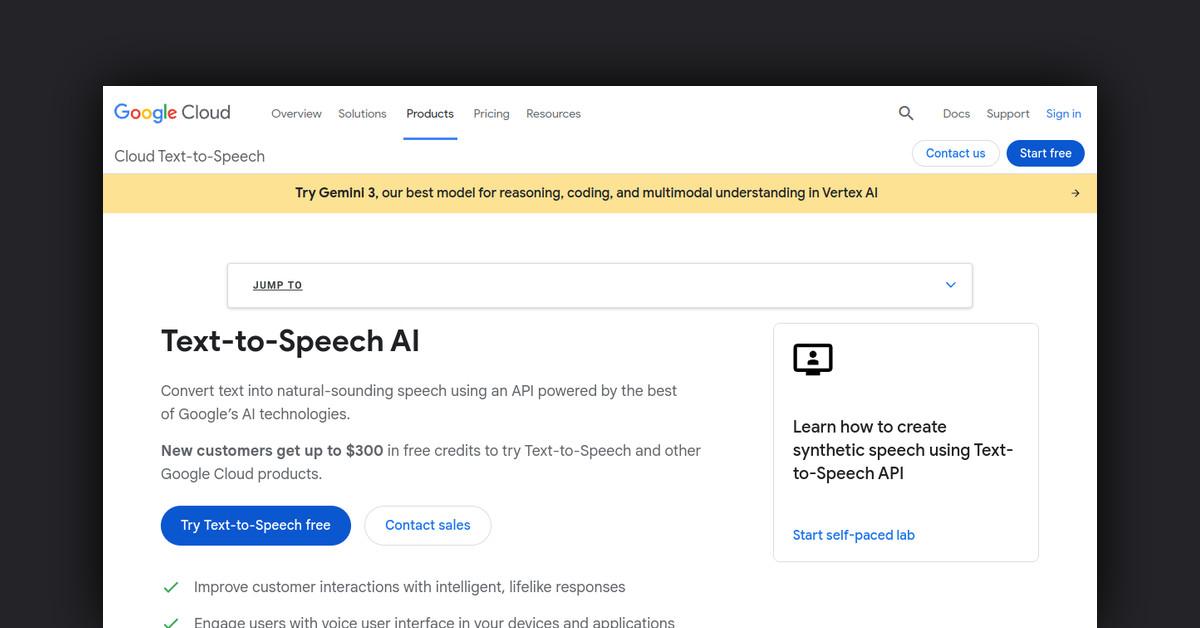
Google Text-to-Speech is a powerful API that converts text into natural-sounding speech, leveraging advanced AI technologies. This innovative tool is designed to improve user interaction through lifelike responses and personalized communication, making it a versatile solution for various applications.
How Does Google Text-to-Speech Work?
At its core, Google Text-to-Speech uses sophisticated AI models to transform plain text into audio. Users can input text directly or use Speech Synthesis Markup Language (SSML) for more nuanced control over speech attributes.
- Input Options: Raw text or SSML can be used to define speech characteristics like pitch, volume, and rate.
- Output: The API processes the input and returns audio in a base64-encoded format, which can be converted into playable audio files such as MP3.
Features, Functionalities, and Benefits
Google Text-to-Speech offers a comprehensive suite of features that enhance its usability and effectiveness across multiple platforms.
- High Fidelity Speech: Delivers voices with humanlike intonation, based on DeepMind’s expertise.
- Widest Voice Selection: Access to over 380 voices across 75+ languages and variants, including Mandarin, Hindi, Spanish, and more.
- Customization: Create unique voices to represent your brand consistently.
- Gemini-TTS: Synthesize speech with control over style, accent, pace, tone, and emotion.
- Chirp 3: HD Voices: Provides high-quality audio with spontaneous conversational qualities.
- Instant Custom Voice: Quickly create personalized voice models using minimal audio input.
Use Cases and Potential Applications
Google Text-to-Speech is adaptable to a variety of industries and applications, enhancing user interaction and accessibility.
- Voicebots in Contact Centers: Improve customer service by using dynamic speech generation instead of static audio.
- Voice Generation in Devices: Enable devices to communicate with users in natural voices, enhancing user experience with seamless interactions.
- Accessible Electronic Program Guides (EPGs): Implement text-to-speech in EPGs to meet accessibility requirements and improve user experience.
Who is Google Text-to-Speech For?
This tool is ideal for businesses and developers looking to integrate natural-sounding speech into their applications or services. It is particularly beneficial for:
- Tech Companies: Enhancing user interfaces with voice interactions.
- Customer Service Centers: Offering dynamic and personalized customer interactions.
- Media and Entertainment: Creating engaging content such as audiobooks and podcasts.
Plans and Pricing
Google Text-to-Speech offers a flexible pricing model based on usage, calculated per character.
- Gemini-TTS: Prices range from $0.50 to $1.00 per million text tokens, with additional costs for audio tokens.
- Chirp 3: HD Voices: Free up to 1 million characters, $0.00003 per character afterward.
- Legacy Models: WaveNet and Standard voices start free up to 4 million characters, with minimal costs beyond that.
Is Google Text-to-Speech Free?
New customers receive up to $300 in free credits to try Google Text-to-Speech and other Google Cloud products. There is no free tier for ongoing usage, but initial credits allow for extensive trial and evaluation.
Support and Resources
Google offers extensive documentation and customer support for Text-to-Speech users, ensuring smooth integration and usage.
- Documentation: Comprehensive guides and tutorials are available to help users understand and implement the API.
- Customer Support: Access to support teams for troubleshooting and assistance.
Integrations and API Availability
Google Text-to-Speech integrates seamlessly with other Google Cloud services, enhancing its functionality and ease of use.
- API Access: The API is easily accessible for developers to incorporate into their applications.
Customer Reviews and Feedback
Users of Google Text-to-Speech have praised its natural-sounding voices and ease of integration, highlighting the API’s ability to enhance communication and interaction in diverse applications.
Useful Links and Resources
For more information and to get started with Google Text-to-Speech, explore the following resources:
Google Text-to-Speech continues to innovate, offering new features and updates to meet evolving user needs and industry standards.
Last Updated: