

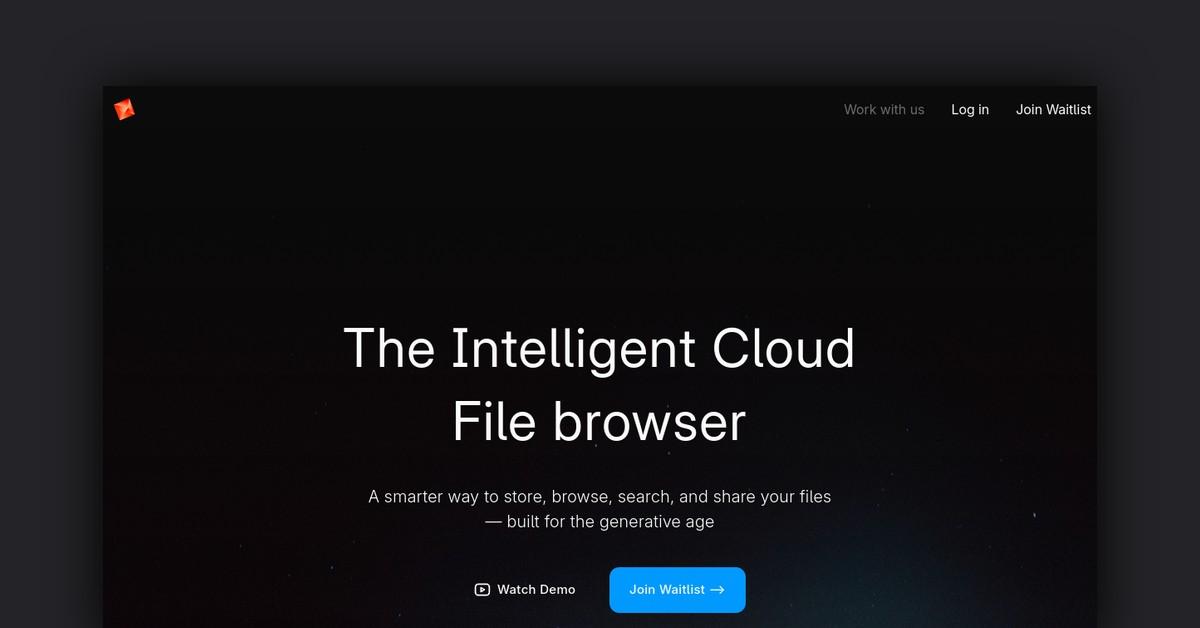
Overview of Poly
Poly is an AI-powered online editor that allows users to easily create high-quality 3D textures. Users can generate textures from scratch using AI, or browse and edit textures created by the Poly community.
How Does Poly Work?
-
Poly uses advanced AI and machine learning to generate photorealistic textures from text descriptions. Users simply describe the desired texture and Poly will generate it.
-
The Poly editor provides tools to tweak generated textures and create custom PBR maps. Users have fine-grained control over texture properties like color, roughness, metalness etc.
-
Users can browse and search a growing library of textures created by the Poly community. These can be used as-is or edited further.
Features and Benefits
-
Powerful AI texture generation from text descriptions
-
Intuitive online editor to tweak textures and create custom PBR maps
-
Searchable community library of high-quality textures
-
Fine-grained control over texture properties like color, roughness, normal maps etc.
-
Export textures in formats usable in 3D applications and game engines
-
Free to use with no software to install
Use Cases and Applications
Poly textures can be used for:
- 3D modeling and animation
- Game development
- AR/VR environments
- Digital art and illustrations
- Product visualization and prototyping
- Architectural visualization
Textures generated with Poly are high-quality and production-ready for professional use.
Who Is Poly For?
Poly is useful for:
- 3D artists, modelers, animators
- Game developers, indie devs
- AR/VR developers
- Digital artists and illustrators
- Architects and interior designers
- Advertising and marketing professionals
Plans and Pricing
Poly is currently free to use. There are no usage limits.
Users can browse and search the community texture library for free.
Generating custom textures with AI is also free, with no limits on usage.
There are currently no paid plans or pricing tiers.
Support Options
- Knowledge base with guides and documentation
- Community forum for questions and discussions
- Email support available
Integrations
-
Export textures in formats usable in popular 3D tools like Blender, Maya, 3DS Max etc.
-
Integration with Unity game engine - textures can be quickly imported into Unity projects
API Access
Poly offers a REST API that allows generating textures programmatically:
- Build custom workflows and integrations powered by Poly's AI
- Generate multiple texture variations programmatically
- Integrate Poly's texture generation into applications
What Users Are Saying
Here are some common themes from Poly user reviews:
- Generating textures with AI is quick, easy and produces photorealistic results
- The editor is intuitive with powerful tools for customizing PBR maps
- Large library of high-quality community textures to browse
- Textures are production-ready and can be used for professional projects
- Free to use with no limits, much better than paid texture assets
- Helpful for both novice and expert 3D artists to quickly create textures
Frequently Asked Questions
-
How do I generate textures? Simply describe the desired texture with text prompts. Poly's AI will generate photorealistic texture maps.
-
Can I edit generated textures? Yes, the Poly editor allows fine-tuning generated textures and creating custom PBR maps.
-
Are the textures royalty-free? Yes, textures can be used for commercial and non-commercial projects for free.
-
What file formats are supported? Textures can be exported in formats like PNG, JPG, TIFF, EXR, SVG etc.
-
Where can I get help? Check the knowledge base, community forum or email support. The Poly team is very responsive.
Useful Links and Resources
Last Updated: