

Takeaways
- ReadSpeaker WebReader converts digital content into lifelike, synthetic speech to enhance accessibility and engagement.
- It integrates with websites effortlessly, transforming text into audio without downloads, supporting real-time reading with text highlighting.
- The tool offers over 50 languages and 200 voices, customizable features, and complies with WCAG 2.2 standards for accessibility.
- Applications span education, multilingual websites, and accessibility for users with disabilities, enhancing content interaction.
- It supports content creators and educators with features like translation, dictionary, and MP3 downloads for offline listening.
Overview of ReadSpeaker WebReader
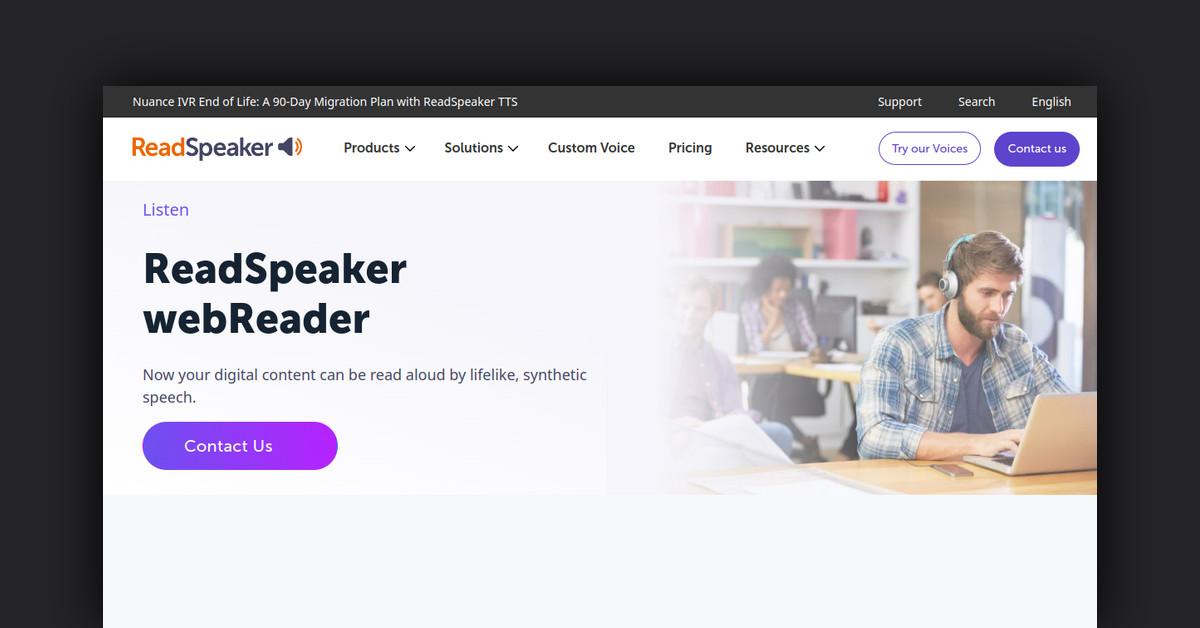
ReadSpeaker WebReader is a cutting-edge text-to-speech tool that enables digital content to be read aloud with lifelike, synthetic speech. Designed to enhance accessibility and user engagement, this tool offers a wide range of features to improve content interaction and comprehension. Whether you're looking to support diverse language needs or improve user experience, ReadSpeaker WebReader provides a robust solution.
How Does ReadSpeaker WebReader Work?
ReadSpeaker WebReader functions by integrating a simple line of code into your website, transforming text-based content into an audio format. This seamless implementation requires no downloads, ensuring an effortless setup. The tool reads text aloud in real-time, allowing users to listen and read along with highlighted text. The platform is compliant with WCAG 2.2 standards, making it accessible to all users, including those with disabilities.
Features, Functionalities, and Benefits
ReadSpeaker WebReader boasts a comprehensive suite of features that cater to diverse user needs. Its functionalities are designed to provide a personalized and accessible reading experience.
- Text-to-Speech: Converts web page content into spoken word, making it accessible to users who prefer auditory learning.
- Reading Languages: Supports over 50 languages and 200 voices, allowing for a global reach. Users can select their preferred language and voice.
- Simultaneous Highlighting: Words and sentences are highlighted in different colors as they are read, enhancing reading comprehension and retention.
- Translation: The tool can translate selected text into various languages and read it in the target language, aiding language learners and multicultural users.
- Customization: Users can personalize reading speed, highlight colors, and keyboard shortcuts to tailor their experience.
- Dictionary: Select words to find definitions, supporting vocabulary building and language learning.
- Click and Listen: Simply click on a paragraph to have it read aloud, offering an intuitive user experience.
- Text Mode and Page Mask: Provides a distraction-free reading environment with customizable font, size, and color options.
- MP3 Download: Users can download audio files for offline listening, enabling content consumption on the go.
- Accessibility: Fully keyboard accessible, ensuring ease of use for individuals with disabilities.
- Form Reading: Facilitates form completion by reading form labels and options aloud, improving user interaction.
Use Cases and Potential Applications
ReadSpeaker WebReader is versatile, serving a wide array of applications across different sectors:
- Education: Enhances learning for students by providing auditory content, supporting reading and language acquisition.
- Accessibility: Assists users with disabilities by providing an alternative to visual reading.
- Multilingual Websites: Supports sites catering to a global audience by offering content in multiple languages.
- Content Creators: Enables bloggers and website owners to engage audiences with diverse content delivery options.
Who is ReadSpeaker WebReader For?
ReadSpeaker WebReader is designed for anyone looking to improve content accessibility and engagement. Key users include:
- Educators: Enhance learning experiences for students with diverse learning needs.
- Website Owners: Improve user engagement and accessibility on their sites.
- Language Learners: Support language acquisition with translation and dictionary features.
- Content Creators: Expand audience reach with multilingual support and auditory content delivery.
Support and Integrations
ReadSpeaker WebReader is supported by a dedicated team available to assist with any inquiries. It also offers plugins for popular content and learning management systems, ensuring seamless integration across platforms.
List of Useful Links and Resources
For further information and resources, visit the following links:
Explore these resources to understand how ReadSpeaker WebReader can transform your content into an accessible and engaging auditory experience.
Last Updated: