

Takeaways
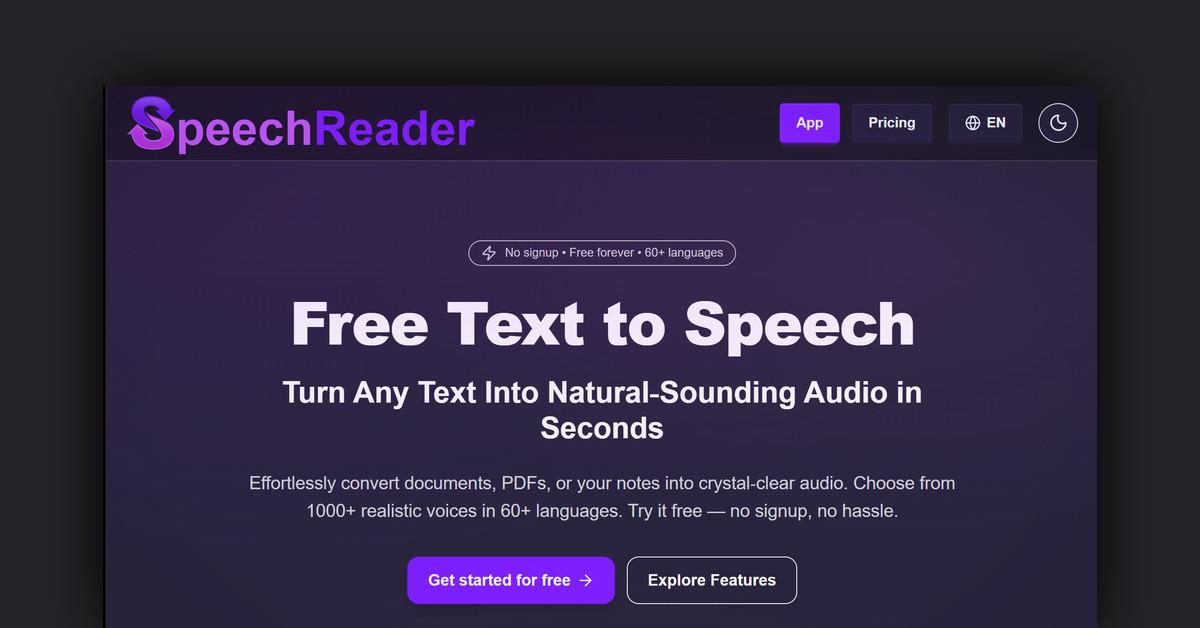
- SpeechReader converts text to realistic audio using advanced AI, supporting over 60 languages and multiple voice options.
- Users can input text or upload files, and choose from over 1000 voices, generating natural-sounding audio instantly.
- Features include fast conversion, extensive voice selection, OCR technology, and MP3 downloads, enhancing accessibility and content creation.
- Suitable for individuals with visual impairments, content creators, educators, and global organizations.
- Offers free and premium plans with varying levels of support and character limits for text conversion.
Overview of SpeechReader
SpeechReader is a powerful online text-to-speech tool designed to convert written text into realistic audio using advanced AI technology. This platform is accessible to all users, offering both free and premium plans without the need for signup. With support for over 60 languages and a wide array of voice options, SpeechReader provides an inclusive solution for anyone looking to transform text into speech effortlessly.
How SpeechReader Works
SpeechReader utilizes advanced AI algorithms to convert text into natural-sounding audio. Users simply paste text or upload a file, and the AI voices generate speech that mimics human tone, rhythm, and clarity. The process is seamless, requiring no complicated software or setup. Here’s how it works:
- Input Text: Users can either type text directly or paste it into the platform.
- Upload Files: PDFs and images can also be uploaded for conversion.
- AI Voice Selection: Choose from over 1000 voices with various accents and styles.
- Audio Generation: Instantly generate and listen to natural-sounding audio or download it as an MP3.
Features, Functionalities, and Benefits
SpeechReader is packed with features that make it stand out in the text-to-speech market. These features are designed for ease of use and versatility, offering something for everyone.
- Fast and Accurate Conversion: Get human-like audio in seconds without robotic or clunky voices.
- Extensive Voice Selection: Access over 1000 AI voices across various languages and styles.
- OCR Technology: Supports PDF and image uploads, reading them aloud with precision.
- Adjustable Speed and Paragraph Highlights: Customize listening experience with adjustable playback speed and visual paragraph highlights.
- MP3 Downloads: Easily download audio files for offline use.
- Multilingual Support: Choose from 60+ languages, making it ideal for global projects.
Use Cases and Potential Applications
SpeechReader is versatile, catering to a wide range of use cases and applications. Whether for personal or professional use, it offers valuable solutions.
- Accessibility: Ideal for visually impaired users, allowing easy text consumption.
- Content Creation: Perfect for creating voiceovers for videos, podcasts, and ads.
- E-Learning: Convert educational materials into spoken audio to enhance learning.
- Marketing and Tutorials: Use AI-generated voices for engaging tutorials and marketing videos.
Target Audience
SpeechReader’s diverse features make it suitable for various user groups. Each group can benefit uniquely from its offerings.
- Individuals with Visual Impairments: Enhances accessibility by reading text aloud clearly.
- Content Creators: Provides human-like voices for content creation, including YouTube videos and ads.
- Educators and Students: Facilitates learning with audio versions of text materials.
- Global Organizations: Supports multiple languages, making it easy to cater to international audiences.
Plans and Pricing
SpeechReader offers a range of pricing plans to suit different needs, from free to premium options. Here’s a breakdown:
- Free Plan: $0.00/month, offering up to 5,000 characters per day with email support.
- Basic Plan: $3.83/month (billed annually), providing 100,000 characters per day, priority support, no ads, and premium voices.
- Premium Plan: $8.25/month (billed annually), offering 500,000 characters per day with all Basic features and more.
Is SpeechReader Free?
Yes, SpeechReader offers a free plan that requires no signup. Users can access various features such as voice selection and text conversion without any cost.
Support and Customer Service
SpeechReader provides various levels of support depending on the plan. Free users receive email support, while Basic and Premium subscribers benefit from priority support, ensuring quick assistance when needed.
Customer Reviews and Feedback
SpeechReader is trusted by thousands for reading, learning, and accessibility. Users appreciate its natural-sounding voices, ease of use, and wide range of languages and voices. The platform’s ability to turn written text into lifelike speech has received positive feedback, making it a popular choice for many.
Frequently Asked Questions
How do I start using SpeechReader?
To get started, simply paste your text or upload a file on the SpeechReader website, select a voice, and listen to the generated audio.
Can I download the audio files?
Yes, you can download the generated audio files as MP3s for offline use.
What languages are supported?
SpeechReader supports over 60 languages, including English, Hindi, Spanish, and more.
Useful Links and Resources
Last Updated: