

Takeaways
- Microsoft Speech Studio integrates speech-to-text, text-to-speech, and real-time translation for enhanced app interaction.
- It uses Azure’s cognitive services to process and analyze speech data, adapting to various accents and noise levels.
- Offers features like custom speech models, natural-sounding voices, and low-latency translation.
- Applicable in diverse scenarios such as captioning, call center transcription, and language learning.
- Ideal for developers, content creators, educators, and customer service teams.
Overview of Microsoft Speech Studio
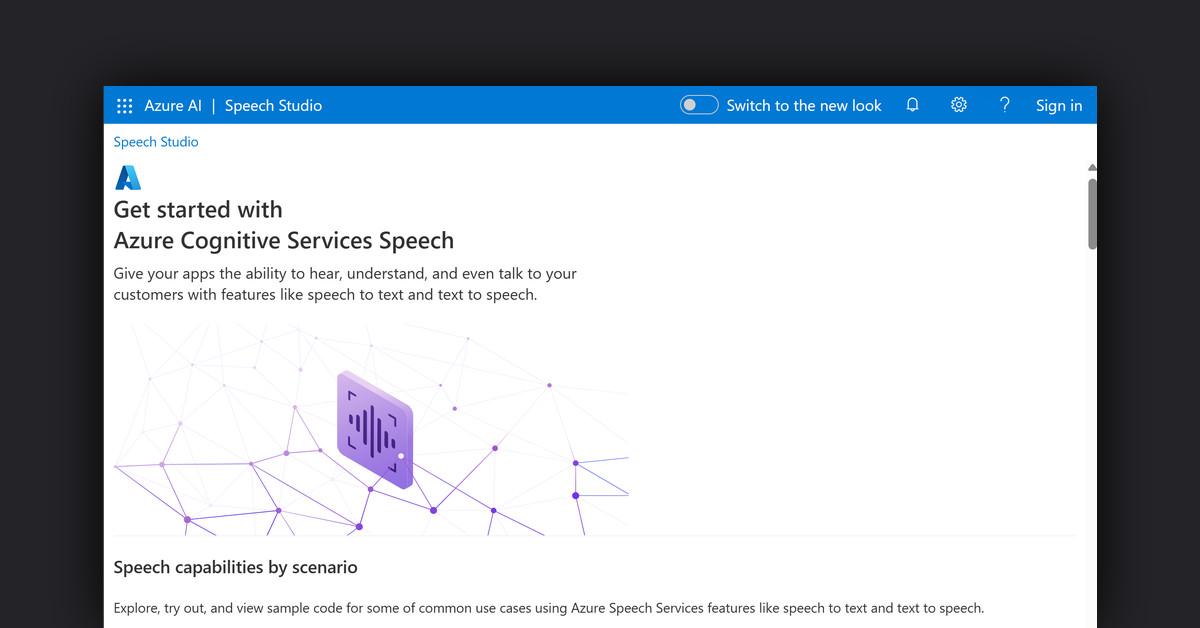
Microsoft Speech Studio is an advanced platform designed to enhance applications with cutting-edge speech capabilities. It allows developers to integrate functionalities such as speech-to-text, text-to-speech, and real-time translation, enabling apps to interact effectively with users. By leveraging Azure AI, Speech Studio provides a seamless experience for building speech-enabled applications.
How Does Microsoft Speech Studio Work?
Speech Studio operates by utilizing Azure’s robust cognitive services to process and analyze speech data. It transforms audio input into text and vice versa, allowing for dynamic interaction through various languages and dialects. Utilizing custom models and AI, Speech Studio adapts to specific vocabulary, accents, and background noise, ensuring high accuracy and reliability.
Features, Functionalities, and Benefits
Microsoft Speech Studio offers a wide array of features that cater to different needs, enhancing user interaction through innovative speech solutions.
- Speech-to-Text: Converts spoken language into text across more than 100 languages, with options for real-time transcription and custom speech models for domain-specific needs.
- Text-to-Speech: Provides natural-sounding voices in over 500 languages and dialects, with customization options for creating unique brand voices.
- Speech Translation: Offers low-latency translation of speech into multiple languages, enhancing global communication.
- Voice Assistant: Integrates conversational interfaces into applications, enabling voice activation and control.
- Custom Keyword: Allows creation of unique voice commands to activate and interact with applications.
Use Cases and Potential Applications
Speech Studio can be utilized in various scenarios to improve accessibility and interaction.
- Captioning: Transforms audio from media content into text, making it accessible to a broader audience.
- Call Center Transcription: Transcribes and analyzes call recordings to extract insights such as sentiment and personal information.
- Live Chat Avatars: Engages users with AI-driven avatars that respond with realistic speech, improving user experience.
- Language Learning: Assesses pronunciation and fluency, providing instant feedback to language learners.
- Video Translation: Translates and dubs videos in multiple languages, with a vast selection of voices.
Who Is Microsoft Speech Studio For?
Speech Studio is ideal for businesses and developers seeking to enhance their applications with speech capabilities. It caters to:
- Developers: Building applications that require speech recognition and synthesis.
- Content Creators: Seeking to enhance media content with captions and translations.
- Educators: Offering tools for language learning and assessment.
- Customer Service Teams: Streamlining operations with call transcription and analysis.
Is There a Free Trial?
Microsoft offers a free $200 Azure credit upon signing up, allowing users to explore Speech Studio’s capabilities without an initial investment.
What Type of Support Is There?
Microsoft provides extensive support for Speech Studio users:
- Documentation: Comprehensive guides on integrating and using Speech Studio features.
- Microsoft Q&A: A platform for community support and expert guidance.
- Microsoft Learn: Interactive modules and learning paths to enhance skills and knowledge.
List of Useful or Important Links and Resources
By providing advanced speech capabilities, Microsoft Speech Studio empowers developers and businesses to create more engaging and accessible applications, enhancing user interaction across various platforms.
Last Updated: