

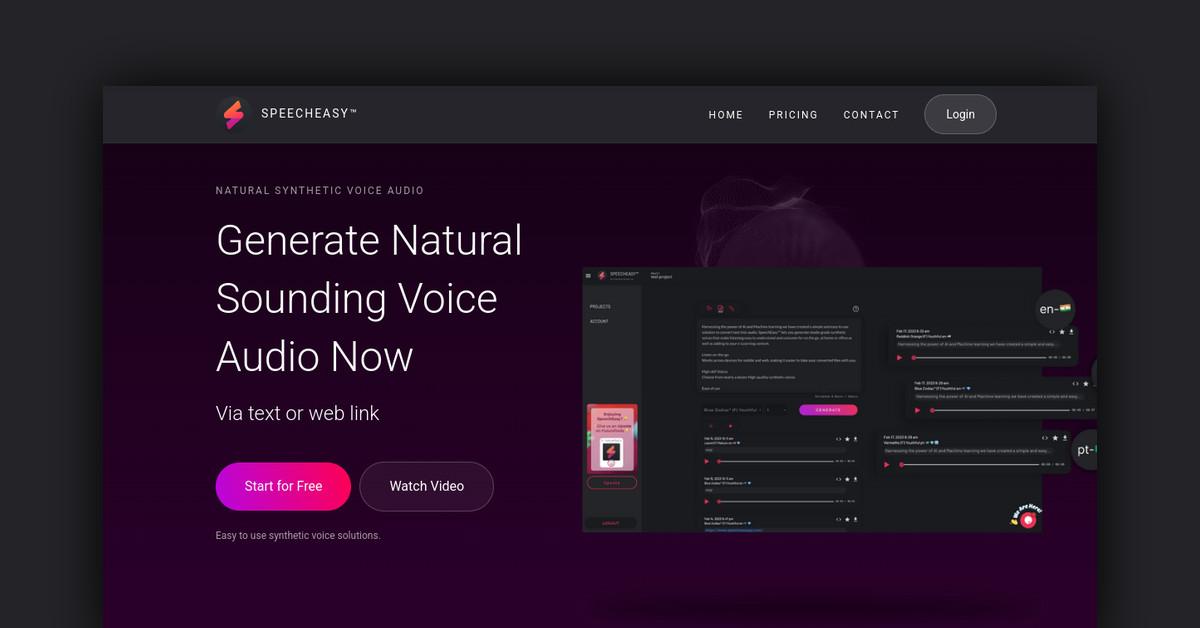
Overview of Speecheasy - Convert Text to Natural Sounding Voice Audio
Speecheasy is an easy to use synthetic voice solution that lets you convert text into high-quality audio files. It utilizes AI and machine learning to generate studio grade synthetic voices for a variety of use cases.
How Does Speecheasy Work?
Speecheasy allows users to input text or a web link. It then processes the text and converts it into a natural sounding voice audio file using advanced speech synthesis technology. Users can choose from nearly a dozen high-def synthetic voices.
Key features:
- Intuitive interface for uploading text or web links
- Library of human-like synthetic voices
- Adjustable voice speed and pitch
- Downloads generated audio as MP3 file
Features and Benefits
-
Cross-platform support - Create and listen to audio files on both desktop and mobile devices. Works across platforms.
-
High-quality voices - Choose from a growing library of dozens of human-like, natural sounding voices. Voices are generated using advanced AI and machine learning.
-
Ease of use - Simple and intuitive interface to upload text, choose voice, and download audio. Requires no complex setup or training.
-
Listen on-the-go - Generated audio files can be downloaded and listened to anywhere. Great for consuming content while multitasking.
-
Privacy and security - Minimal personal info is collected and data privacy is a priority.
Use Cases and Applications
Speecheasy can be used for:
-
Marketing and video voiceovers - Add high quality voiceovers to marketing videos, social media posts, and more.
-
eLearning - Enhance online courses by adding consistent narration. Learners can consume course material hands-free.
-
Audio articles - Convert blog posts and articles into shareable audio files. Great for multitasking.
-
Audio books - Convert ebooks and other long form content into audio books.
-
Assistive technology - Help those with visual impairments or reading disabilities consume content.
Who is Speecheasy For?
Speecheasy is useful for:
- Content creators - easily create audio narration for videos
- eLearning professionals - add voiceovers to online courses
- Bloggers - convert articles into audio files
- Publishers - turn ebooks into audio books
- Marketers - add voiceovers to social posts and ads
- General consumers - convert any text into an audio file for hands-free multitasking
Pricing and Plans
-
Starter - Free. Unlimited use with watermark on generated audio. Access to all voices.
-
Content Creator - Unlimited use of all features. $X/month. No watermarks. (In-app purchase)
-
Marketer - Coming soon.
-
Enterprise - Custom pricing available. Contact sales.
Free users can upgrade to premium features as an in-app purchase.
Support and Integrations
Speecheasy offers:
- Email support
- FAQ/Knowledge base
- Integrations with Zapier and IFTTT
- API available for enterprise customers
Reviews and Reputation
Speecheasy is well reviewed and rated 4/5 stars. Users praise the quick turnaround times, quality and naturalness of the voices, and cross-platform accessibility. Reviews mention it's easy to use and works as expected.
Frequently Asked Questions
How quick is the turnaround time?
Most audio files are generated within seconds or minutes depending on length.
What file formats are supported?
MP3 and M4A. MP3 is recommended for compatibility.
What's the maximum length for generated audio?
Up to 20,000 characters of text input. Over 1 hour of generated audio.
Can I use the audio commercially?
Yes, generated audio can be used for commercial purposes.
Last Updated: