

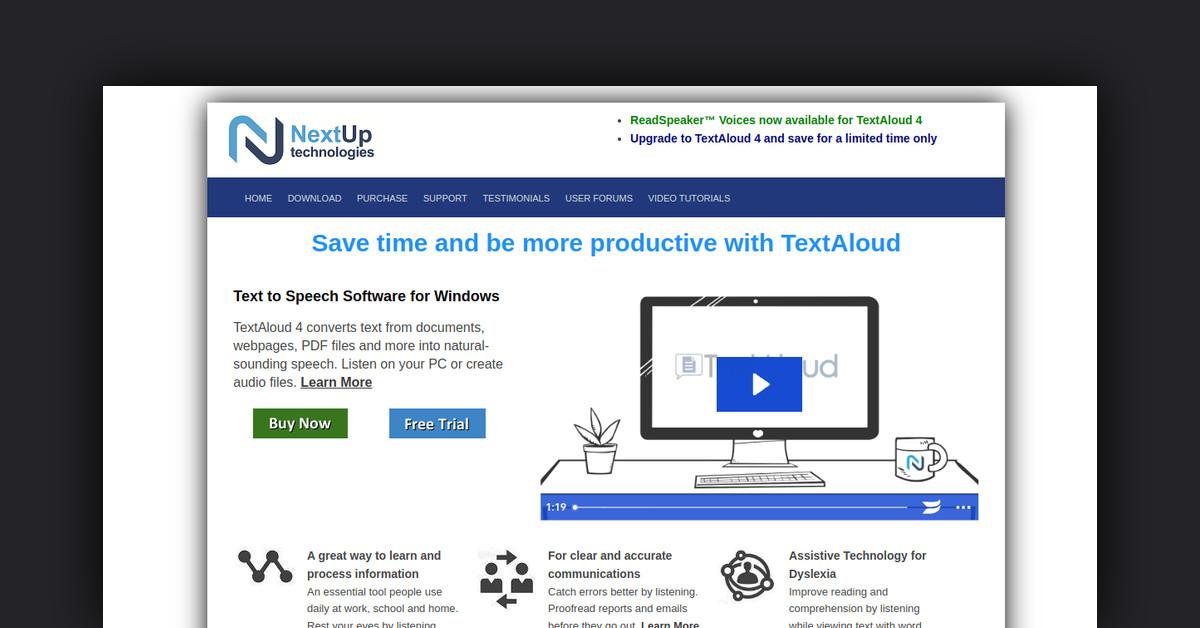
Takeaways
- TextAloud converts text into natural-sounding audio, supporting over 29 languages.
- Features include customizable speaking options, a pronunciation dictionary, and integration with services like Pocket™.
- The software aids in accessibility, helping individuals with dyslexia or visual impairments.
- TextAloud is useful in education and professional settings for studying and proofreading.
- A free trial is available with comprehensive support through forums and tutorials.
TextAloud Text to Speech Software: An In-Depth Overview
TextAloud is a powerful text-to-speech software designed for Windows, which transforms text from various formats into natural-sounding audio. Whether you need to listen on your PC or create audio files for later, TextAloud offers a suite of features to enhance productivity and learning.
How Does TextAloud Work?
TextAloud works by converting text from documents, webpages, and PDF files into speech. This allows users to listen to content rather than read it, which can be particularly beneficial for long documents or for users with visual impairments.
Features, Functionalities, and Benefits of TextAloud
TextAloud is packed with features designed to make text-to-speech conversion as seamless as possible. Here’s a detailed look at what it offers:
- Natural Sounding Voices: TextAloud supports high-quality voices from leading providers like Acapela™, Ivona™, Cerence™, and ReadSpeaker™, offering options in over 29 languages with various accents.
- Customizable Speaking Options: Users have the flexibility to configure speak buttons to control where speaking starts, such as from the cursor or start of an article.
- Pronunciation Dictionary: This utility allows users to keep it open while using TextAloud, with features for import/export and sorting entries.
- Integration with Save-for-Later Services: TextAloud integrates with Pocket™ and Instapaper™, making it easy to import bookmarked articles for listening.
- Floating Toolbar: A newly designed toolbar enables users to speak selected text in any window or import selected text into TextAloud.
- Theming Support: Improved theming features allow users to select high-contrast themes for better visibility, catering especially to low vision users.
- Word Highlighting: Simplified highlighting options let users choose from various styles, enhancing reading comprehension.
- Audio File Enhancements: Support for writing Ogg/Vorbis audio files and improved file splitting by chapter for ePub documents.
Use Cases and Potential Applications
TextAloud is versatile and can be used in various scenarios:
- Education: Students can listen to textbooks and notes, aiding in studying and comprehension.
- Professional Use: Professionals can proofread reports and emails by listening, catching errors more effectively.
- Accessibility: Individuals with dyslexia or visual impairments can benefit from text being read aloud, improving accessibility and learning.
- Communication: Users with voice impairments can use TextAloud to communicate via synthesized voice in applications like Zoom.
Who Is TextAloud For?
TextAloud is ideal for a diverse range of users:
- Students: To assist with learning and studying by converting text to audio.
- Professionals: For proofreading and creating audio versions of reports and emails.
- Individuals with Disabilities: Especially beneficial for those with dyslexia or visual impairments.
- Voice-Impaired Individuals: Those who have temporarily or permanently lost their voice can use TextAloud to communicate.
Free Trial and Support
TextAloud offers a free trial for users to explore its features. Comprehensive support is available through email, user forums, and video tutorials. This ensures users can maximize the software’s potential and receive prompt assistance when needed.
Customer Reviews and Testimonials
Customers praise TextAloud for its ease of use and transformative impact. Users have highlighted how it aids in education, improves efficiency, and enhances communication for those with disabilities. Testimonials emphasize the software’s role in improving reading comprehension and productivity.
Useful Links and Resources
For more information, tutorials, and to purchase TextAloud, visit the following resources:
TextAloud is a comprehensive tool that offers enhanced accessibility and productivity for a wide range of users, making text-to-speech conversion simple and effective.
Last Updated: