

Takeaways
- The FTW Transcriber is a manual transcription tool, prioritizing accuracy over automation.
- It offers automatic timestamping, enhancing transcription efficiency.
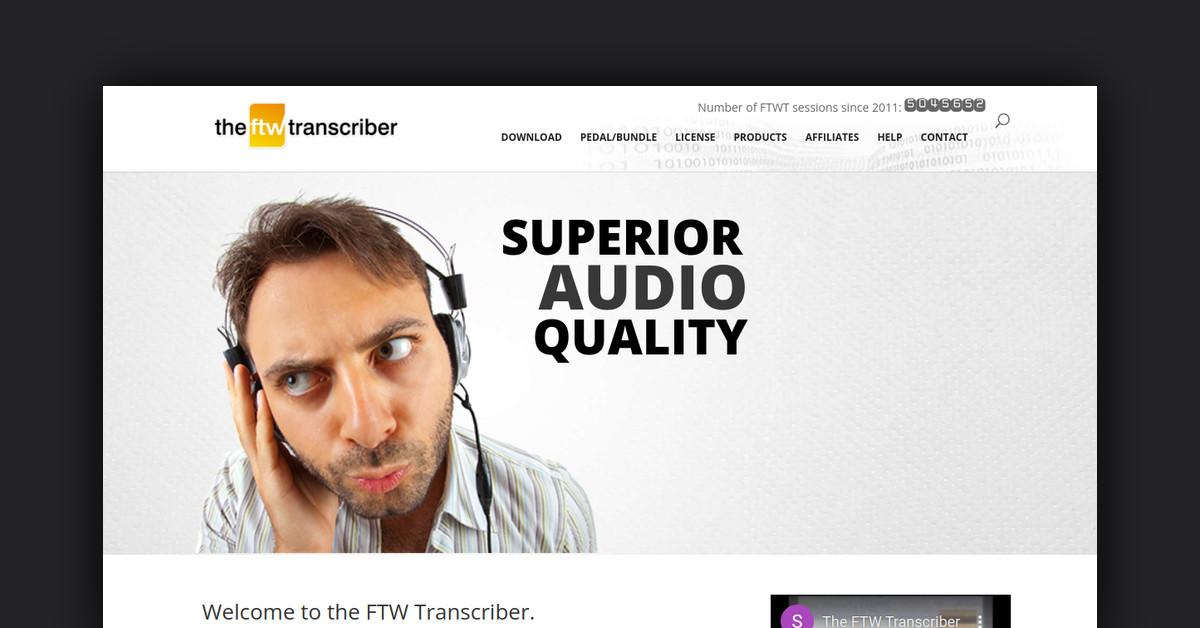
- Superior sound quality is a standout feature, aiding in clearer transcriptions.
- Customizable hotkeys and foot pedal support increase user flexibility.
- It serves various professional fields, including legal, medical, and journalism.
Overview of The FTW Transcriber
The FTW Transcriber is a specialized transcription software widely appreciated for its robust functionality and user-friendly interface. Unlike automatic transcription services, it requires users to manually type out dialogues, making it a popular choice among professional transcribers who prioritize accuracy. With over 5 million sessions since its inception in 2011, The FTW Transcriber is a trusted tool in the transcription community. The software is primarily designed for Windows but can also be used on Mac with a Windows environment setup.
How Does The FTW Transcriber Work?
The FTW Transcriber is designed to facilitate manual transcription, requiring users to type out the dialogue they hear. It does not offer automatic transcription, but it provides several features that aid in speeding up the transcription process.
- Manual Typing: Users listen to audio files and manually type the dialogue.
- Automatic Timestamping: This feature automatically inserts timestamps into the transcription, significantly reducing the time spent on this task.
- Sound Quality: The software is noted for its superior sound quality compared to other transcription tools, enhancing the clarity of the audio files for more accurate transcriptions.
Features, Functionalities, and Benefits
The FTW Transcriber is packed with features that streamline the transcription process and enhance productivity. Many users appreciate the time-saving and user-friendly functionalities it offers.
- Automatic Timestamping: Automatically adds timestamps, allowing transcribers to focus more on typing and less on formatting.
- Superior Sound Quality: Enhanced sound quality ensures clarity, which is crucial for accurate transcription.
- Customizable Hotkeys: Users can set their own hotkeys for various functions, making the software highly customizable to individual needs.
- Foot Pedal Support: Compatible with foot pedals, allowing hands-free control over audio playback.
What Are the Use Cases and Potential Applications for The FTW Transcriber?
The FTW Transcriber is versatile and can be used across various fields where transcription is essential. Here are some use cases:
- Legal Transcriptions: Useful for transcribing court hearings, depositions, and other legal proceedings where accuracy is paramount.
- Medical Transcriptions: Assists in documenting patient consultations and medical records accurately.
- Media and Journalism: Journalists and media professionals can use it to transcribe interviews and press conferences efficiently.
Who Is The FTW Transcriber For?
The FTW Transcriber is designed for professionals who require precise and reliable transcription services. Here are some of the primary users:
- Professional Transcribers: Individuals or agencies specializing in transcription services.
- Legal Professionals: Lawyers, paralegals, and court reporters who need accurate documentation of legal proceedings.
- Journalists and Media Personnel: Reporters and editors who transcribe interviews and content for publication.
What Are Customers or Users Saying About The FTW Transcriber?
User feedback highlights several aspects of The FTW Transcriber that are particularly appreciated:
- Time-Saving Features: Many users, like Daphne E, have praised the automatic timestamping feature for significantly reducing typing time.
- Responsive Support: Clive Schaffer and other users have lauded the quick and helpful customer support, which is dedicated to resolving issues efficiently.
- Sound Quality: Evelyn noted that The FTW Transcriber offers better sound quality than competing transcription tools like Express Scribe.
List of Useful or Important Links and Resources
For more information and resources, users can refer to the following links:
- The FTW Transcriber Official Website
- Download The FTW Transcriber for Windows
- Reset License Key
- Uninstall Instructions
- Privacy Policy
- Terms and Conditions
By exploring these resources, users can gain a deeper understanding of The FTW Transcriber and make the most out of its features for their transcription needs.
Last Updated: