

Overview
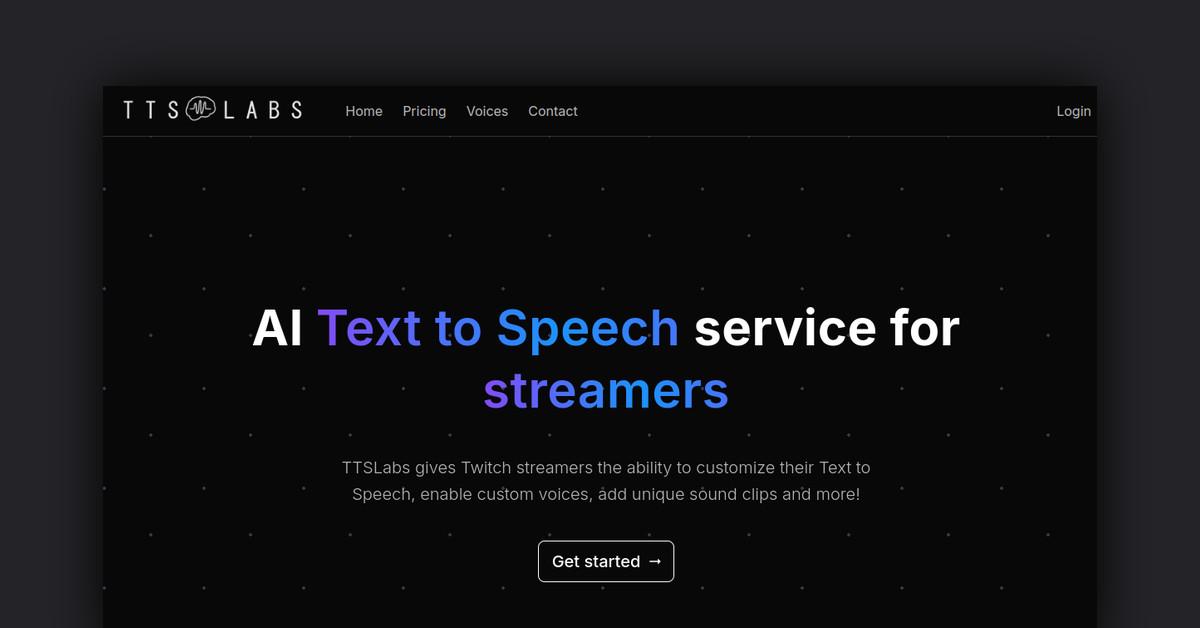
TTS Labs is an AI text to speech service designed specifically for Twitch streamers. It gives streamers the ability to customize their text to speech with unique voices, sound clips, and more.
How Does It Work?
TTS Labs uses speech synthesis technology to take text and convert it into realistic sounding human speech. Streamers can leverage this to enable text to speech donations, text to speech alerts, and other text to speech features on their streams.
The service works through a dedicated desktop app that connects to popular streaming tools like Streamlabs and StreamElements. This allows seamless management and playback of text to speech directly from a streamer's streaming dashboard.
Key Features and Benefits
- Custom Voices - Choose from a wide variety of voices, including celebrity impressions and fictional characters.
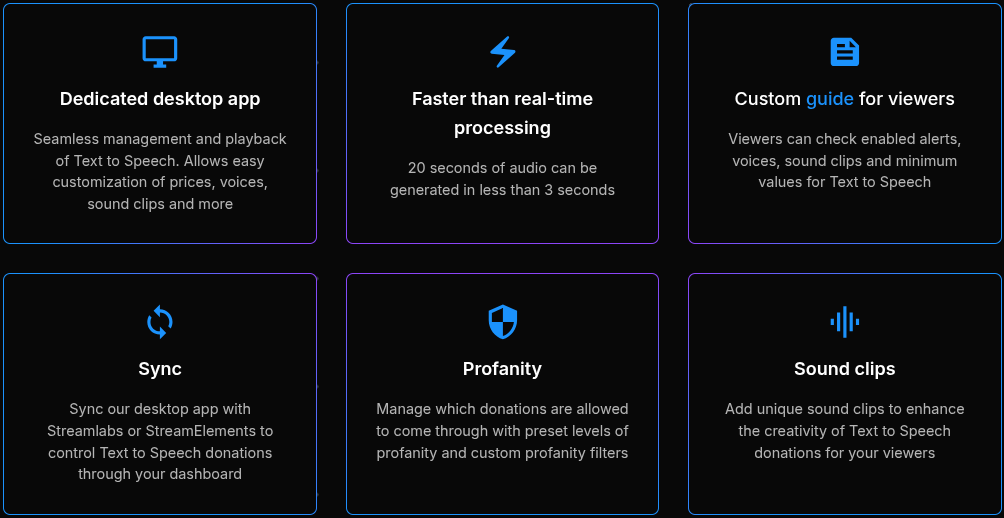
- Sound Clips - Enhance text to speech with custom sound effects and clips.
- Faster Processing - Audio is generated faster than real-time, with 20 seconds of speech created in under 3 seconds.
- Custom Viewer Guide - Let viewers see enabled alerts, voices, sound clips, and minimum TTS values.
- Profanity Filtering - Manage donations with preset profanity levels or custom word/phrase filters.
- Desktop App - Setup, manage, and control text to speech easily from a dedicated desktop application.
- Streaming Dashboard Integration - Connect the app to Streamlabs/StreamElements for full control alongside your existing streaming tools.
Use Cases and Applications
TTS Labs enhances text to speech in the following streaming use cases:
- Text to Speech Donations - Bring donations to life with custom voices and sound clips.
- Text to Speech Alerts - Celebrity voices can make followers, hosts, raids, and other alerts more exciting.
- Text to Speech Chat - Let viewers send TTS messages without enabling full text to speech donations.
- Text to Speech Events - Mark milestones like sub goals with TTS announcements.
Who is TTS Labs For?
TTS Labs is designed for:
- Twitch Streamers - Give your community custom/funny text to speech without risky text to speech donations.
- YouTube Live Streamers - Make streams more interactive by enabling text to speech chat messages.
- Discord Bot Users - Integrate text to speech into your Discord community with a custom bot.
- Content Creators - Produce text to speech videos with unique voices.
Pricing and Plans
TTS Labs offers the following subscription plans:
- Free Plan - Limited number of voices and features. Good for getting started.
- Streamer Plan - $8/mo - Top voices, sound clips, viewer guide, and priority support. Full details here.
- Pro Plan - $20/mo - Everything in Streamer, plus increased voice/clip limits and real-time support. Full details here.
Support and Integrations
- Support - Get setup help through email. Priority email and real-time Discord support on paid plans.
- Integrations - Connect to Streamlabs and StreamElements alongside other tools via API.
- API - Developers can leverage the TTS Labs API to build custom integrations and text to speech applications.
Reviews and Reputation
TTS Labs is frequently praised for its:
- Fun and diverse selection of voices
- Reliable text to speech quality
- Easy integration with streaming tools
See TTS Labs reviews and testimonials from real users on TrustRadius.
FAQs
Q: Does TTS Labs offer a free trial?
A: Yes, the free plan allows limited use of the service to try it out.
Q: Can TTS Labs voices and clips be used commercially?
A: Yes, they work for monetized Twitch streams. Some limits apply on the free plan.
Q: What voices and languages are available?
A: There are 100+ voices in 5 languages available now. More are continually added. See the full list here.
More Information
- TTS Labs Website
- Pricing Details
- All Voices
- Discord Server - Get support and give feedback
Last Updated: